How to create a study guide from video lectures | HoverNotes
GeneralDecember 17, 2025•Updated: July 16, 2026
How to create a study guide from video lectures
Learn how to make a study guide from video lectures with AI workflows, Markdown templates, and visual screenshots to boost retention and streamline studying.
Watching lectures without a plan usually means scattered notes and low recall. A structured guide forces engagement and gives you a reliable reference.
Context-Rich Notes
Timestamped images link back to the exact moment—key diagrams, formulas, and code stay intact.
Local-First Ownership
Storing Markdown files in Obsidian keeps your notes under your control—no vendor lock-in.
Case Study
#
Whether you chart proofs in math or embed timelines in history, a flexible template up front saves hours of rework. Consistent capture transforms passive watching into active learning.
Manual notes force frequent pauses. Transcript-only tools skip visuals. HoverNotes watches each frame to capture exactly what's on screen—just like a human would.
HoverNotes saves plain .md files to your vault, so you own your notes. Frontmatter tags for topic, date, or course make organization simple. Copy-paste into Notion or Google Docs and headings, code blocks, and images transfer intact.
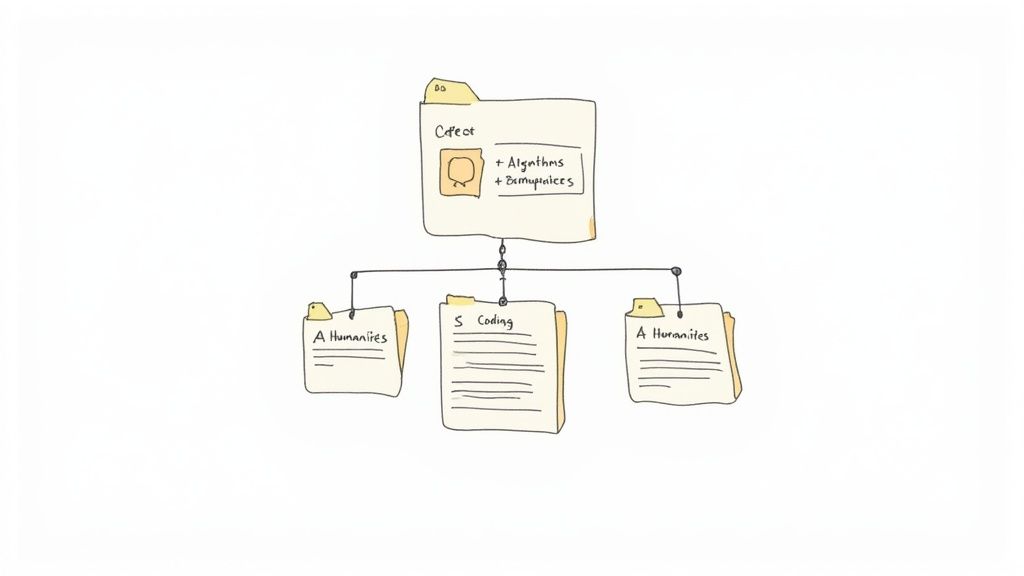
In Notion, mirror this with H1 for course title, H2 for topic, and H3 for subtopic. Use toggles for question blocks and embed timestamped images next to explanations.
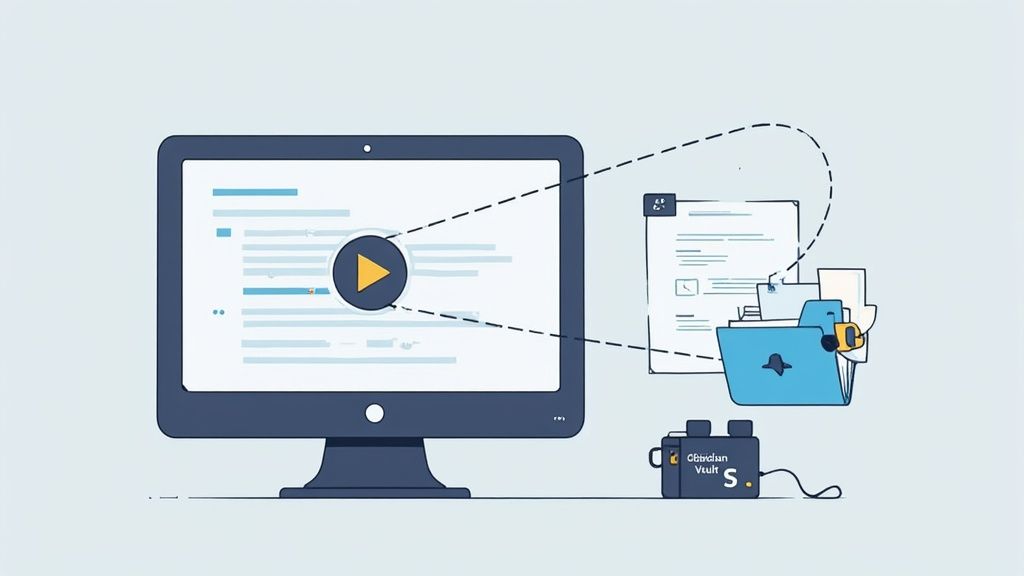
Unlike tools that only parse transcripts, HoverNotes watches the video to capture what's actually on screen. Notes save as .md files in your Obsidian vault—no ads, no cloud lock-in. You move, back up, and search them without restrictions.
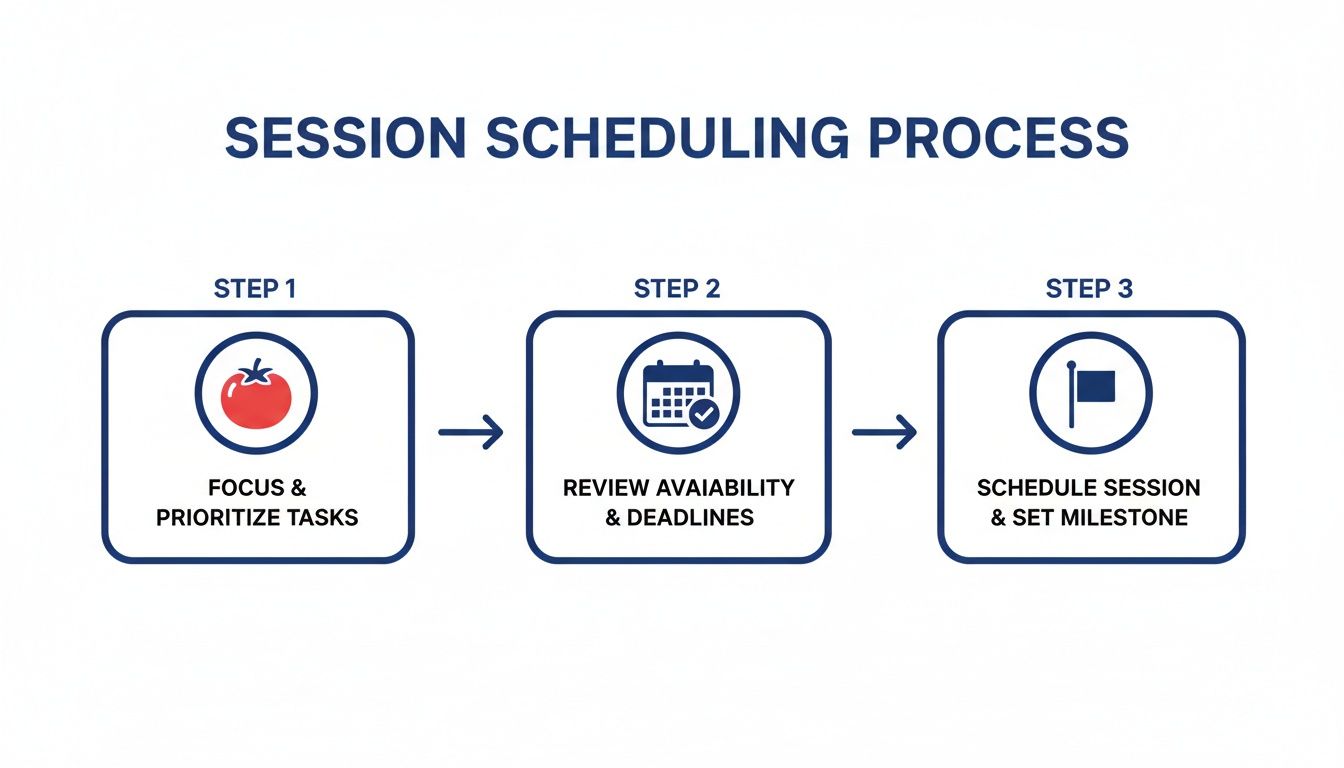
Log topic, difficulty, and actual focus spans. HoverNotes auto-timestamps start and end times and embeds screenshots into tasks. Tag sections as #easy or #hard for prioritized review.
Tag your prompts with #review1d, #review7d, and #review30d. Use plugins like Obsidian Reminder or Tasks to trigger calendar alerts. Each question pops up exactly when it’s due—no extra work.
Tags like #remediation and #mastery let you filter weak spots and track improvements automatically.
If you use Obsidian for learning, HoverNotes saves notes directly to your vault. You can try it free — 20 minutes of AI credits, no credit card required. Get started at HoverNotes Confirm current options on the HoverNotes pricing page.
Useful notes should make you do something with the material, not merely store more text. The U.S. Institute of Education Sciences recommends spacing learning over time, combining graphics with verbal explanations, using active retrieval, and asking deep explanatory questions (practice guide). A peer-reviewed review of educational video research also emphasizes signaling important information, splitting lessons into manageable segments, giving learners control, and adding active-learning prompts (review). Applied here, that means pausing at concept boundaries, capturing only the visual evidence you need, writing a question in your own words, and later answering it before replaying the source. These practices are evidence-based; a universal retention percentage for one app or workflow is not.
Learn how to use the Cornell method for video note taking to improve learning from YouTube or Coursera. This guide offers actionable steps and templates.
Discover online learning best practices to boost retention and turn what you watch into lasting knowledge with actionable tips for Udemy, Coursera, and YouTube.
Learn how to take study notes that boost retention and understanding. Discover practical methods for lectures, textbooks, and modern video learning workflows.