Tìm hiểu cách tạo hướng dẫn học từ các bài giảng video bằng quy trình làm việc AI, mẫu Markdown và ảnh chụp màn hình trực quan để tăng khả năng ghi nhớ và tối ưu hóa việc học tập.
Xem bài giảng mà không có kế hoạch thường dẫn đến ghi chú rời rạc và khả năng ghi nhớ kém. Một hướng dẫn có cấu trúc sẽ thúc đẩy sự tham gia và cung cấp cho bạn một tài liệu tham khảo đáng tin cậy.
Ghi chú giàu ngữ cảnh
Hình ảnh có dấu thời gian liên kết chính xác với khoảnh khắc đó—các sơ đồ, công thức và mã quan trọng được giữ nguyên.
Quyền sở hữu ưu tiên lưu trữ cục bộ
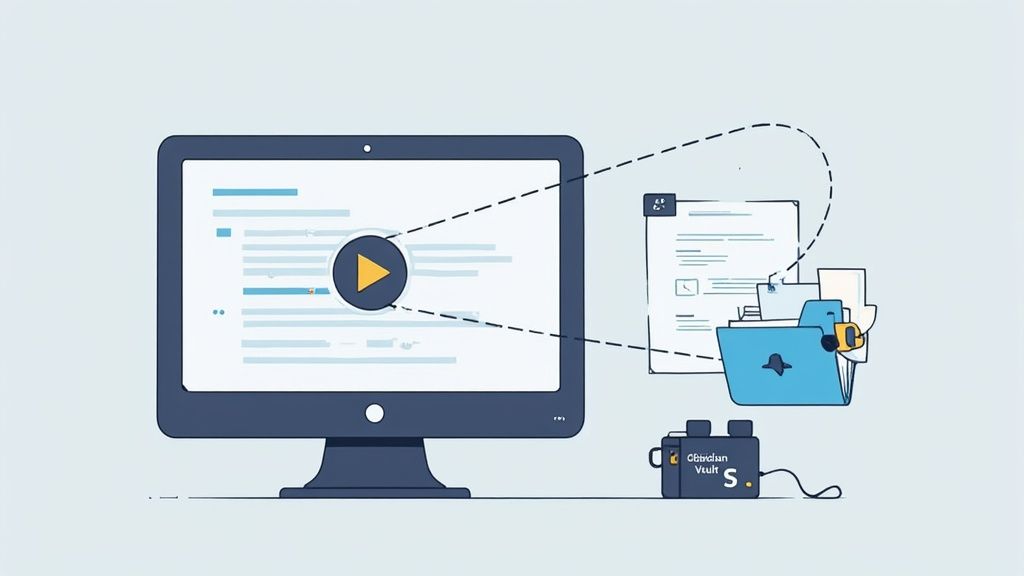
Lưu trữ các tập tin Markdown trong Obsidian giúp ghi chú của bạn nằm trong quyền kiểm soát—không bị ràng buộc bởi nhà cung cấp.
Dù bạn vẽ sơ đồ chứng minh trong toán học hay nhúng dòng thời gian trong lịch sử, một mẫu linh hoạt từ đầu sẽ giúp tiết kiệm hàng giờ làm lại. Việc ghi chép nhất quán biến việc xem thụ động thành học tập chủ động.
Ghi chú thủ công đòi hỏi phải dừng video thường xuyên. Các công cụ chỉ dùng bản ghi văn bản thì bỏ qua phần hình ảnh. HoverNotes xem từng khung hình để ghi lại chính xác những gì đang hiển thị—giống như con người.
HoverNotes lưu các tập tin .md thuần túy vào kho của bạn, vì vậy bạn hoàn toàn sở hữu ghi chú. Các thẻ frontmatter theo chủ đề, ngày tháng hoặc khoá học giúp tổ chức đơn giản. Sao chép-dán vào Notion hay Google Docs và tiêu đề, khối mã lẫn hình ảnh đều được giữ nguyên.
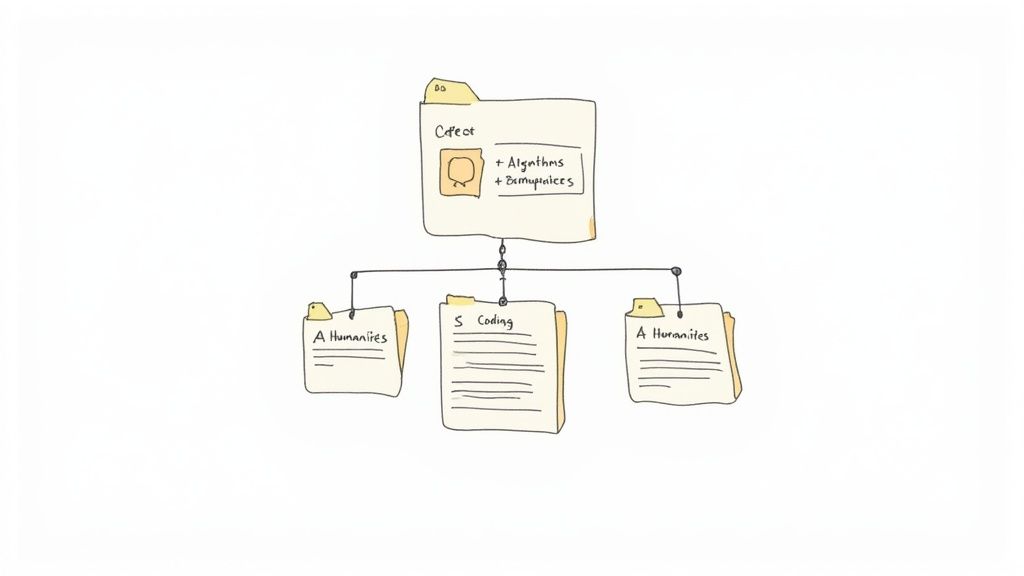
Một khung sườn rõ ràng giúp tăng tốc việc ôn tập và giữ nguyên ngữ cảnh. Dùng mẫu cho các môn học khác nhau:
STEM: thư mục phân cấp → Khoá học > Mô-đun > Bài giảng
Lập trình: phần theo chủ đề → Hàm, Thuật toán, Ví dụ
Lịch sử & Văn học: bố cục theo trình tự thời gian → Năm > Sự kiện > Chi tiết
Chuẩn hóa tên tập tin và frontmatter trong Obsidian:
Khoá học
Thư mục cấp cao nhất cho mỗi khoá học
Môn học
Thư mục con cho mỗi mô-đun hoặc chủ đề
Ngày bài giảng
Tiền tố ngày chuẩn ISO (ví dụ, 2025-02-14)
raw
Bản ghi và ảnh chụp màn hình chưa chỉnh sửa
study-guide
Tập tin .md cuối cùng
Mỗi study-guide.md bắt đầu với:
#title: "Buổi giảng 03: Thuật toán"
date: 2025-02-14
tags: [khoa-học máy tính, thuật-toán]
Trong Notion, phản chiếu điều này bằng H1 cho tên khoá học, H2 cho chủ đề, và H3 cho tiểu chủ đề. Dùng toggle cho khối câu hỏi và nhúng ảnh chụp có dấu thời gian bên cạnh phần giải thích.
Khác với các công cụ chỉ phân tích bản ghi, HoverNotes xem video để ghi lại chính xác hình ảnh trên màn hình. Ghi chú lưu dưới dạng tập tin .md trong kho Obsidian của bạn—không quảng cáo, không ràng buộc đám mây. Bạn có thể di chuyển, sao lưu và tìm kiếm tự do.
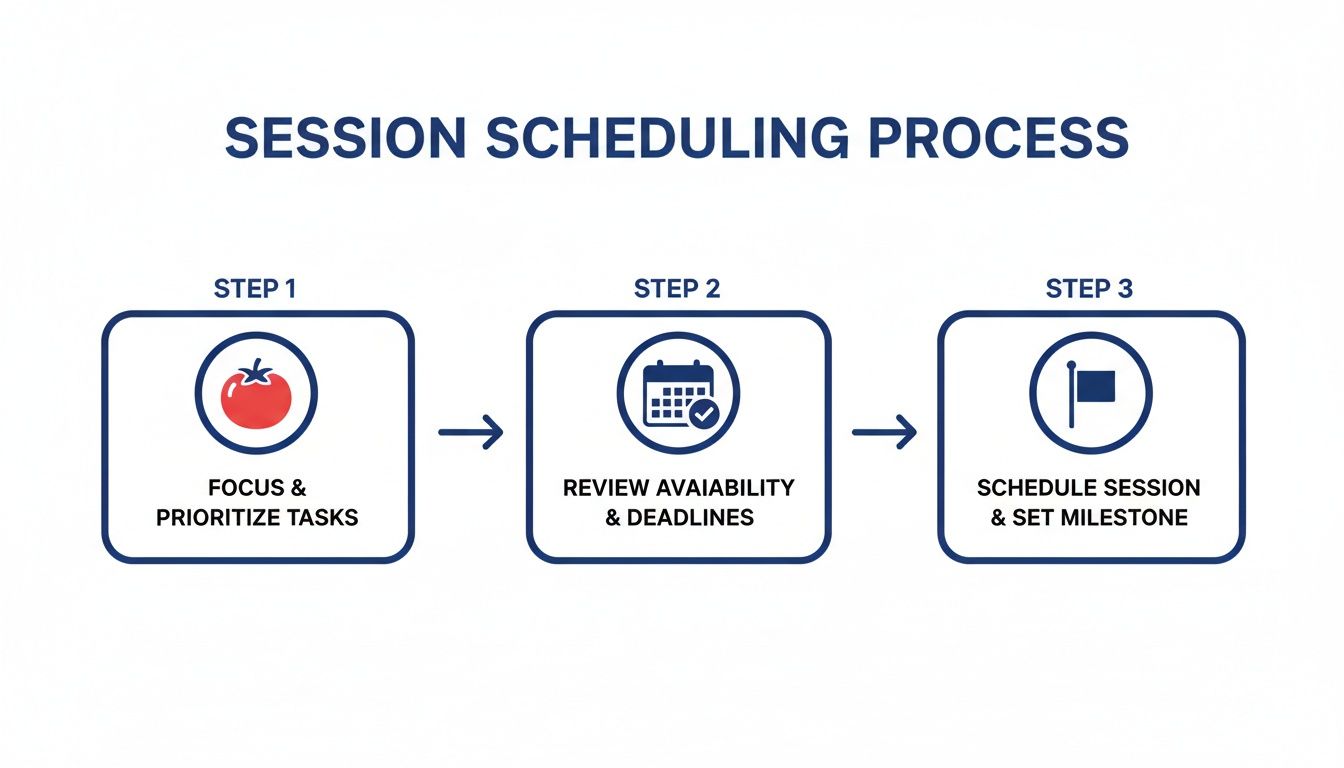
Ghi lại chủ đề, độ khó và khoảng thời gian tập trung thực tế. HoverNotes tự thêm dấu thời gian bắt đầu và kết thúc và nhúng ảnh chụp vào nhiệm vụ. Đánh dấu các phần theo #easy hoặc #hard để ưu tiên ôn tập.
Ngày
Phiên Tập Trung
Thời Gian Ôn Tập
Thứ Hai
3 × 25 phút
60 phút
Thứ Tư
4 × 25 phút
60 phút
Thứ Sáu
5 × 25 phút
90 phút
Chủ Nhật
2 × 25 phút
120 phút
Điều chỉnh kế hoạch để phù hợp với trọng số kỳ thi và giờ cao điểm của bạn. Để điều chỉnh tốc độ nội dung Udemy, xem học hiệu quả từ video Udemy.
Đánh dấu câu hỏi của bạn bằng #review1d, #review7d và #review30d. Dùng các plugin như Obsidian Reminder hoặc Tasks để kích hoạt cảnh báo trên lịch. Mỗi câu hỏi sẽ hiển thị đúng lúc đến hạn—không mất thêm công sức.
Các thẻ như #remediation và #mastery giúp bạn lọc các điểm yếu và tự động theo dõi sự cải thiện.
Nếu bạn dùng Obsidian để học, HoverNotes lưu ghi chú trực tiếp vào kho của bạn. Bạn có thể dùng thử miễn phí — 20 phút tín dụng AI, không cần thẻ tín dụng. Bắt đầu tại HoverNotes Xác nhận các tuỳ chọn hiện tại trên trang giá HoverNotes.
Những ghi chú hữu ích nên khiến bạn làm điều gì đó với tài liệu, chứ không chỉ đơn thuần lưu trữ thêm văn bản. Viện Khoa học Giáo dục Hoa Kỳ khuyến nghị phân bổ việc học theo thời gian, kết hợp hình ảnh với phần giải thích bằng lời, sử dụng phương pháp chủ động truy hồi kiến thức, và đặt những câu hỏi giải thích sâu (practice guide). Một tổng quan bình duyệt về nghiên cứu video giáo dục cũng nhấn mạnh việc làm nổi bật thông tin quan trọng, chia bài học thành các phần dễ quản lý, trao quyền kiểm soát cho người học, và thêm các gợi ý học tập chủ động (review). Áp dụng vào đây, điều đó có nghĩa là tạm dừng ở các ranh giới khái niệm, chỉ ghi lại bằng chứng trực quan bạn cần, viết một câu hỏi bằng lời của chính mình, rồi sau đó trả lời câu hỏi ấy trước khi phát lại nguồn. Những thực hành này có cơ sở bằng chứng; còn một tỷ lệ ghi nhớ phổ quát cho một ứng dụng hay quy trình làm việc cụ thể thì không.
Tìm hiểu cách học hiệu quả cho các kỳ thi với những phương pháp được khoa học chứng minh. Biến những bài giảng video thụ động thành công cụ học tập mạnh mẽ giúp nhớ lâu và tiếp thu tốt hơn.
Khám phá các mẹo học tập hiệu quả dành cho sinh viên y khoa để làm chủ các bài giảng bằng video, tăng khả năng ghi nhớ cho các kỳ thi như USMLE, và xây dựng một hệ thống học tập bền vững.