使用学习指南的好处
没有计划地观看讲座通常意味着笔记零散且记忆力差。结构化的指南强制你积极参与,并为你提供可靠的参考。
-
富含情境的笔记 带有时间戳的图片链接回具体时刻——关键图表、公式和代码得以完整保留。
-
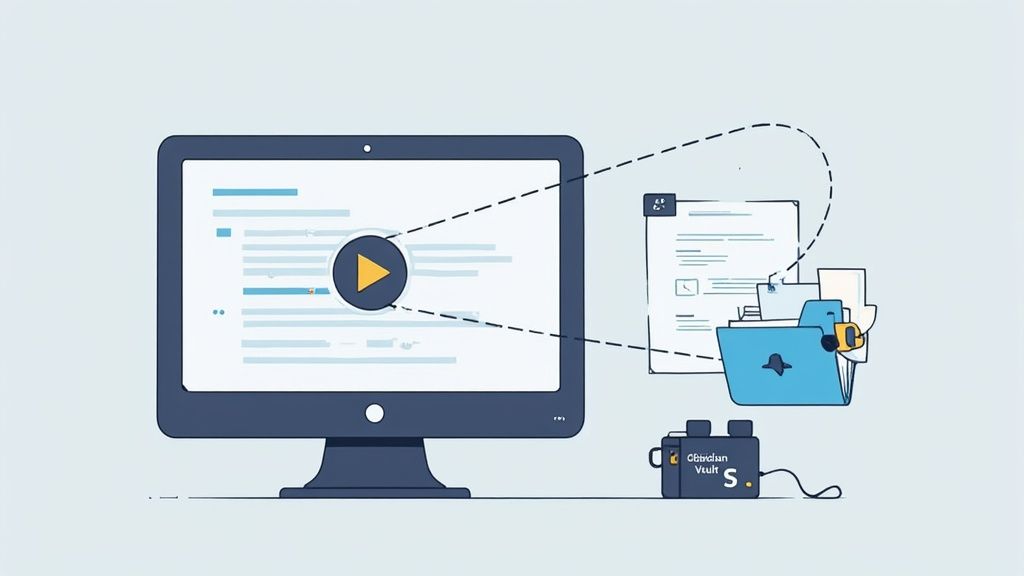
本地优先的所有权 将Markdown文件存储在Obsidian中,确保笔记掌控在自己手中——无供应商锁定。
案例研究
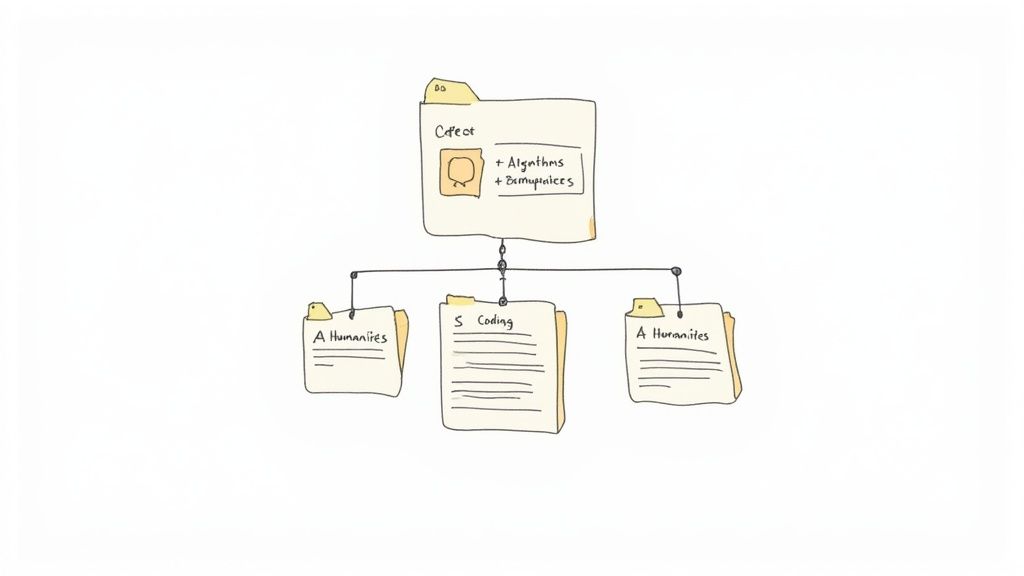
无论你是在数学中绘制证明,还是在历史中嵌入时间线,一个灵活的模板能够节省数小时的返工。持续一致的记录方式能将被动观看转变为主动学习。
从视频讲座中捕捉笔记
手动记笔记需要频繁暂停。仅文字转录工具会忽略视觉内容。HoverNotes逐帧查看每一帧,捕捉屏幕上的每个细节——就像人类一样。
笔记方法对比
| 方法 | 视觉准确度 | 易用性 | 集成度 |
|---|---|---|---|
| 手动笔记 | 低(手动截图) | 中等(频繁暂停) | 无 |
| 基于转录的工具 | 中等(仅文本) | 高(自动转录) | 有限(文本导出) |
| HoverNotes | 高(逐帧捕获) | 高(AI辅助) | Obsidian、Notion兼容 |
HoverNotes 的设置步骤
- 安装HoverNotes Chrome扩展。
- 登录以解锁20分钟免费AI额度——无需信用卡。请在HoverNotes定价页面确认当前选项。
- 进入无干扰视频模式,屏蔽广告和推荐内容。
- 分配键盘快捷键,用于暂停、截图和时间戳跳转。
- 将存储路径指向您的Obsidian保管库,实现本地优先保存。