A Guide to Using an AI Note-Taker App | HoverNotes Blog | HoverNotes
General2025년 11월 29일
A Guide to Using an AI Note-Taker App
Discover how a modern AI note-taker app can help you learn more effectively. Learn key features, practical workflows, and how to protect your data.
작성자 HoverNotes Team•14 분 읽기
An ai note-taker app is a tool that automatically captures, transcribes, and summarizes information from videos. Instead of manually typing, you can use AI to handle the grunt work.
These apps use artificial intelligence to identify key ideas, create structured summaries, and make the content of a video searchable. This lets you focus on understanding the material, not just transcribing it.
#Why You Forget Almost Everything You Watch Online
You watch a two-hour lecture on YouTube and feel productive. A week later, you can only recall a few fuzzy concepts.
This is a common problem caused by passive consumption.
Watching a video feels like learning, but the information rarely moves from short-term to long-term memory without active engagement. Research shows we forget up to if we don't process it.
50% of new information within an hour
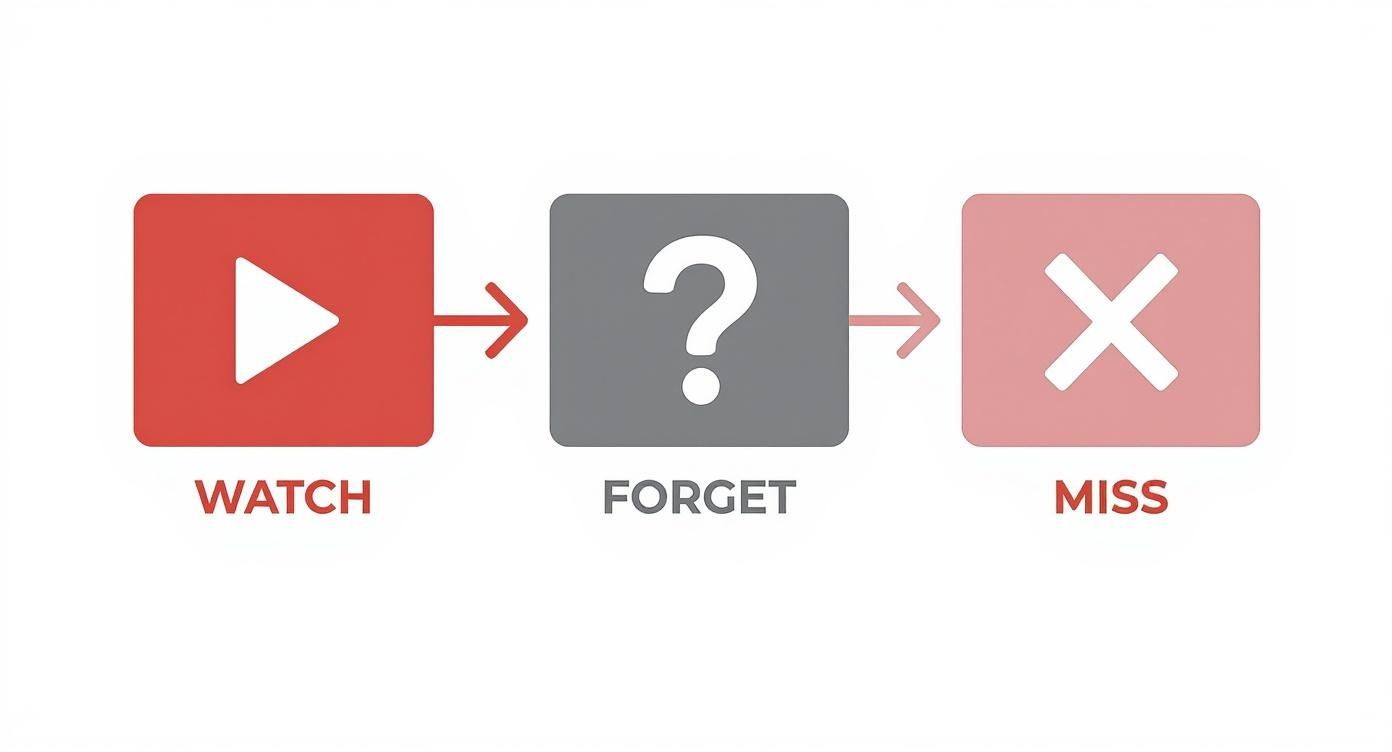
This simple flow is why automating note-taking is so effective for remembering what you learn.
The obvious fix is taking notes, which forces engagement and improves retention. But manual note-taking has its own issues. You have to juggle listening, understanding the concepts, and typing fast enough to keep up.
This mental multitasking often leaves you with incomplete notes and a fractured understanding of the topic. You capture the words but miss the meaning.
This is the exact problem an ai note-taker app solves. It handles the tedious job of capturing information, freeing you to stop acting like a court stenographer and start being an active learner. You can pause, think, and connect with the ideas.
Video learning has a retention problem. Taking notes while watching improves it dramatically, and AI can handle the note-taking so you can focus on understanding. Our guide on improving video learning retention breaks this down further.
An AI note-taker isn't just a speech-to-text converter. Old transcription tools just heard words. A modern AI note-taker watches the video, seeing when a presenter points to a diagram or writes a formula. This captures not just what was said, but what was shown, creating much more useful notes.
The process usually involves a few steps:
Audio and Visual Processing: The tool ingests both the audio track and the video feed.
Intelligent Transcription: It converts speech to text with high accuracy, often distinguishing between speakers.
Contextual Analysis: The AI analyzes words and visuals to identify key concepts, jargon, and important moments.
Structured Output: It organizes the information into summaries, bulleted main points, and action items.
Without this, you're stuck in the frustrating cycle of passive learning: you watch, you forget, you miss the important details.
A good AI note-taker synthesizes information, not just transcribes it. It builds a structured, searchable knowledge asset you can return to.
For instance, instead of just transcribing a coding tutorial, a smarter tool can extract the code snippets and format them correctly, separating them from the spoken explanation.
This frees up your mental energy. Instead of frantically typing, you can focus on understanding the logic behind the code. That’s the gap between recording information and actually learning it.
By automating the mechanical task of capturing information, an AI note-taker allows you to dedicate 100% of your focus to critical thinking and making connections. This is where true comprehension happens.
The growth in this space shows its value. The AI note-taking market is projected to grow from $450.7 million in 2023 to over $2.5 billion by 2033. A tool doesn't see that kind of growth unless it's delivering real productivity gains. You can find more details on this on Superagi.com.
For those who take learning seriously, especially users of tools like Obsidian, owning your knowledge is critical. Some tools are designed for this. HoverNotes is a Chrome extension that generates AI notes from videos and saves them directly to Obsidian. This ensures your insights are private, permanent, and truly yours, turning video content into a lasting part of your knowledge base.
When looking at AI note-taker apps, many seem to do the same thing. For serious learning, specific features are critical for turning a video into a usable knowledge asset.
Everything starts with transcription accuracy. If the transcription is wrong, everything built on it—like summaries—will be unreliable. A good tool must handle different accents, background noise, and technical terms without requiring constant edits.
After accuracy, the next key feature is intelligent summaries. A useful summary isn't just the first few paragraphs of a transcript. It's a condensed version of the core arguments and key concepts. The best tools let you adjust the level of detail, from a quick overview to a more granular breakdown.
To be useful for learning, an AI note-taker must create a link between your notes and the original video. Without that connection, you just have a static document.
This is where timestamped notes are essential. Every sentence in the transcript or summary is linked to the exact moment it occurred in the video. If a point in your notes is unclear, you can click the timestamp and instantly jump back to that spot in the video for full context.
This transforms a wall of text into an interactive study guide. It bridges the gap between reading your notes and re-engaging with the material for deeper understanding.
Equally important is how you export your notes. For anyone building a personal knowledge base in a tool like Obsidian, Markdown export is non-negotiable. It's a clean, universal format that ensures your notes are future-proof and can be integrated into your own system. A local-first approach means you own your knowledge forever.
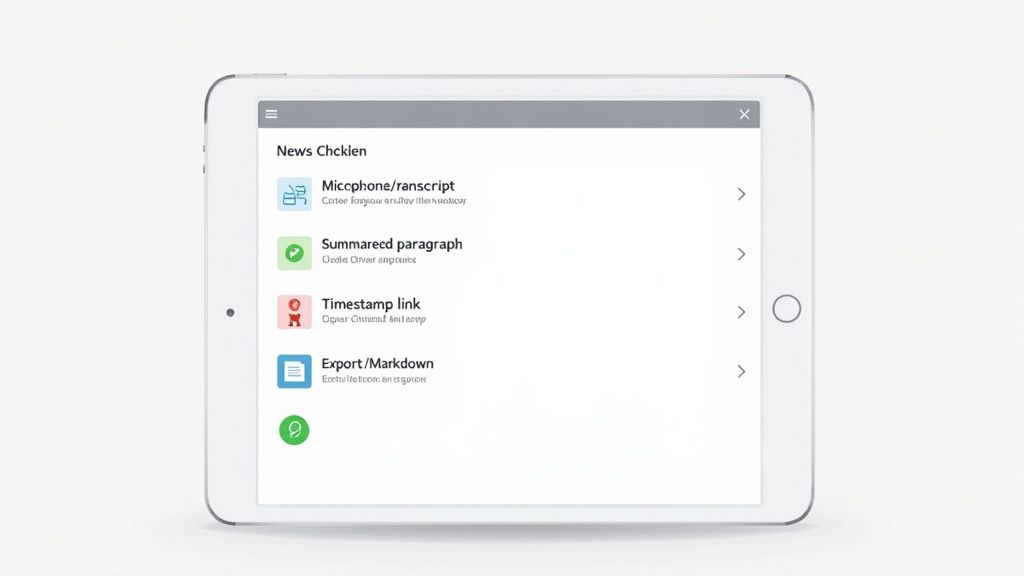
Here’s a breakdown of the features that really matter.
Once the basics are covered, a few other capabilities can make a tool indispensable:
Action Item Detection: The AI should recognize when someone mentions a task or next step and pull those into a list. This is useful for tutorials or project meetings.
Visual Capture: Much of the information in videos is visual—slides, diagrams, code. The ability to grab screenshots is vital. HoverNotes, a Chrome extension that generates AI notes from videos and saves them directly to Obsidian, lets you capture a timestamped screenshot with a single click.
Speaker Identification: For videos with more than one person, like an interview, knowing who said what is essential for clarity.
Knowing what an AI note-taker app does is one thing. Integrating it into your study habits is another. Here are practical examples of how these tools solve real problems.
You're facing a final exam with a three-hour lecture on contract law to review. The old way is to re-watch the entire thing, pausing and scribbling notes. It’s a slow process.
Instead, you can run the lecture through an AI note-taker. In minutes, you get a full transcript, a high-level summary, and a list of key concepts. You can search for a specific term and use timestamped notes to jump directly to that moment in the video for a quick refresh. This is about studying smarter, not just faster.
You're learning a new JavaScript framework from a YouTube tutorial. The instructor is moving quickly, showing complex code. Trying to code along while listening makes it easy to miss something or make a typo.
With an AI note-taker, you can focus on the concepts. The tool transcribes the explanation while you grab clear screenshots of the code. For example, HoverNotes, a Chrome extension that generates AI notes from videos and saves them directly to Obsidian, lets you capture a timestamped screenshot with one click. Your notes become a reusable resource: the expert's explanation linked to the exact code.
You're a professional watching a recorded webinar to earn a new certification. Your goal is to extract actionable strategies. An AI note-taker can identify and isolate action items, automatically creating a to-do list from the discussion.
This shifts your focus from just documenting what was said to actively extracting what needs to be done. A one-hour presentation becomes a practical plan.
Using AI to organize information is now a primary use case for consumer AI apps, accounting for 26% of top applications. This shows a clear demand for tools that help manage information. You can find more insights on consumer AI trends at menlovc.com.
Using an AI note-taker app in these situations fundamentally changes how you engage with and remember information. For a practical walkthrough, see our guide on getting started with HoverNotes.
When you use an AI note-taker, you are building a personal knowledge base. This raises an important question: who owns and controls that data?
Most apps are cloud-based, meaning your notes are stored on their servers. This is convenient, but it also means you are giving a third party control over your intellectual property. If that company changes its policies, shuts down, or suffers a data breach, your knowledge system is at risk.
Cloud-based deployment is the standard, making up over 65% of the AI note-taking market in 2023. You can see the full breakdown in this complete market report.
There is an alternative that is highly valued by communities like Obsidian: local-first storage. The principle is simple: your data stays on your machine. You own it and control it.
For anyone building a long-term second brain, this principle of owning your knowledge is non-negotiable. When your notes are stored locally in a universal format like Markdown, they are future-proof. You aren't locked into a single app or subscription, and your knowledge will be readable decades from now.
Owning your data means you're building a permanent asset. It's a secure foundation for your personal knowledge system, ensuring that the time you invest in learning today pays dividends for years.
This is why integrations with tools like Obsidian are so important. HoverNotes is a Chrome extension that generates AI notes from videos and saves them directly to your local Obsidian vault. This design was a deliberate choice to give you total privacy and control. No server stores your notes—they go straight from your browser to your computer. For a full breakdown of how information is handled, see our privacy policy.
Choosing an AI note-taker is a decision about where your most valuable asset—your knowledge—will live.
Generating notes with an AI note-taker app is the first step. The real value comes from integrating that raw material into your personal knowledge system.
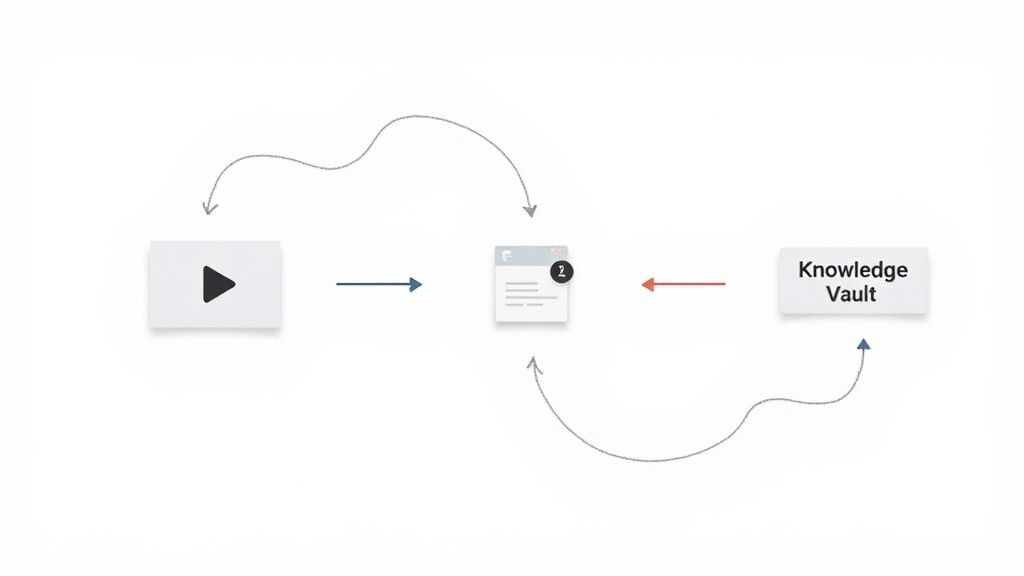
A folder of transcripts is just digital clutter. You need a workflow that turns automated notes into lasting knowledge. A simple, three-step process is all it takes.
This approach uses the AI as an assistant, keeping you in charge of the most important part: the thinking.
Capture Raw Material: Let the tool do the heavy lifting. While you watch a video, have your AI note-taker generate the transcript, summary, and screenshots. Don't interrupt your focus; let it work in the background.
Review and Refine: This step is crucial. Go through the AI-generated notes as if they are a first draft. Add your own insights, fix any small errors, and bold the concepts that are most important to you.
Connect and Integrate: Move the polished note into your personal knowledge base, like Obsidian. The final and most critical step is to link this new information to your existing notes. Creating these connections builds deep, long-term understanding.
This process ensures you’re not just collecting information—you're actively engaging with it. The AI handles the tedious transcription, freeing you to do the high-level work of making connections and building knowledge that sticks.
If you’re an Obsidian user, a direct integration can make this process very efficient. HoverNotes, a Chrome extension that creates AI notes from videos, can save them directly to your Obsidian vault, making this workflow nearly seamless.
Accuracy depends heavily on the audio quality of the source video. For a lecture with a clear speaker and minimal background noise, modern tools are very reliable.
However, focusing on a perfect transcript misses the point. The main value is the AI's ability to extract key themes and create a coherent summary. Think of the output as a solid first draft that saves you hours of typing. You can then polish it in a few minutes.
The goal is to trade low-value work for high-value thinking. Instead of spending your mental energy trying to type everything you hear, you can focus on understanding the concepts.
The AI handles the mechanical task of transcription. You handle the critical thinking, questioning, and connecting of ideas. This leads to deeper learning, not lazier learning.
This allows you to challenge the material, ask better questions, and link new information to what you already know in your personal knowledge base, such as an Obsidian vault.
Mostly, yes. If the app can access the video—on YouTube or another platform—it can work. An AI note-taker app is most effective with structured content like tutorials, online courses, and presentations where the audio is clear.
It will likely be less effective for chaotic content with multiple people talking over each other or poor audio quality. Before choosing a tool, check what type of content it is optimized for.
Ready to turn passive watching into active learning? Try HoverNotes, the Chrome extension that generates AI notes from any video and saves them directly to Obsidian. Get started for free.
Struggling with recorded lectures? Find the best lecture note taker for video, compare digital vs. handwritten tools, and learn to own your study notes.
Learn how to transcribe a YouTube video using methods that actually work. Compare built-in tools, AI services, and browser extensions to find your best fit.