Best Obsidian Plugins for Students 2026: The Complete Learning Stack | HoverNotes Blog | HoverNotes
General2026년 1월 24일
Best Obsidian Plugins for Students 2026: The Complete Learning Stack
Discover the best obsidian plugins for learning in 2026. A complete stack including video capture, spaced repetition, dataview, and excalidraw for students.
작성자 HoverNotes Team•7 분 읽기
Obsidian is more than a note-taking app; it's a customizable environment for building a Personal Knowledge Management (PKM) system. But a default Obsidian vault is an empty workshop. To turn it into a powerful learning engine, you need the right tools. With over 2,000 community plugins, finding the best ones for learning can be overwhelming.
This guide cuts through the noise. We've curated a list of essential plugins and tools to create a complete learning stack in Obsidian, covering video capture, spaced repetition, data organization, and visual thinking.
TL;DR: The Core Learning Stack
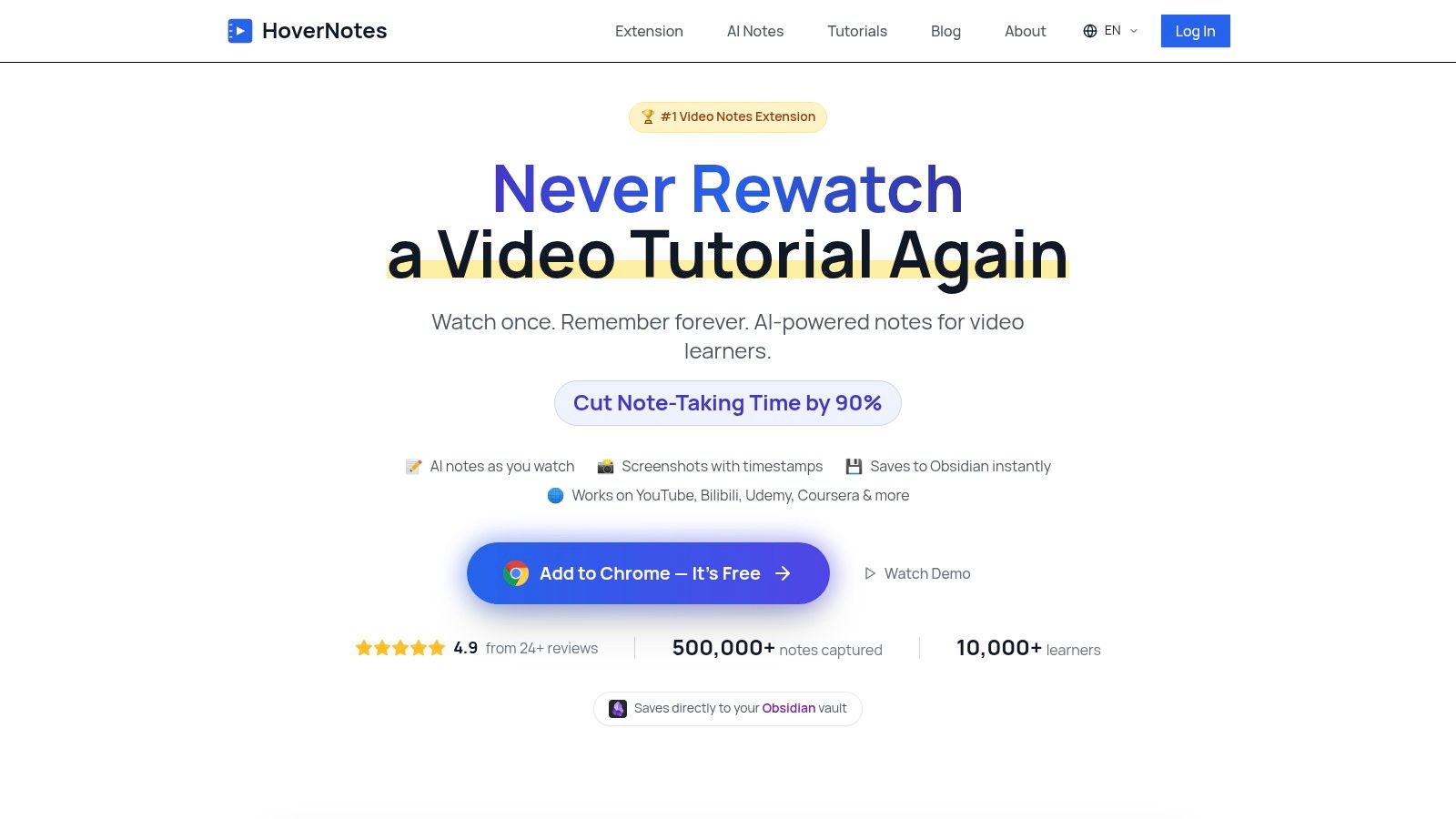
For Video Notes: Use a tool like HoverNotes to capture timestamped notes and screenshots from any video source (YouTube, Udemy, lectures) directly into your vault as Markdown.
For Memory: Install the Spaced Repetition plugin to turn your notes into flashcards and fight the forgetting curve.
For Organization: Use to create dynamic tables and lists that automatically organize your course notes, assignments, and reading lists.
Dataview
For Visual Thinking: Use Excalidraw to sketch diagrams, mind maps, and concepts right inside Obsidian, linking them directly to your notes.
Most students learn from video, but retention is a major problem. You watch a lecture but forget most of it. Taking notes manually is tedious—constantly pausing, rewinding, and taking scattered screenshots that get lost.
HoverNotes is a Chrome extension that watches videos with you, generates AI notes, and saves them as Markdown directly to your file system. It’s designed to solve the video learning problem.
Unlike tools that only parse transcripts, HoverNotes watches the video to capture what's actually on screen—code snippets, diagrams, and formulas that transcripts miss. It works on any website with video: YouTube, Udemy, Coursera, university portals, and even local video files. The result is a structured Markdown file with timestamped screenshots. Click any screenshot, and you jump back to that exact moment in the video.
The notes save as .md files directly to your Obsidian vault. There's no proprietary format or sync service—your notes belong to you. You get 20 minutes of free AI credits on signup, no credit card needed. Even without AI, you can use its distraction-free video mode and manual screenshot tools for free.
Just taking notes isn't enough; you need to review them to remember what you've learned. The Spaced Repetition plugin turns your Obsidian notes into a flashcard deck using proven memory techniques. It's a non-negotiable tool for any serious student.
You can create flashcards directly from your notes using simple syntax. The plugin then schedules reviews based on how well you recall the information, showing you cards right before you're about to forget them. This is far more effective than cramming. It integrates seamlessly into your vault, meaning your flashcards live right alongside your source material.
Best for: Students in medicine, law, language learning, or any field that requires memorizing large amounts of information.
How it works: Uses a spaced repetition algorithm (like Anki) to schedule card reviews inside Obsidian.
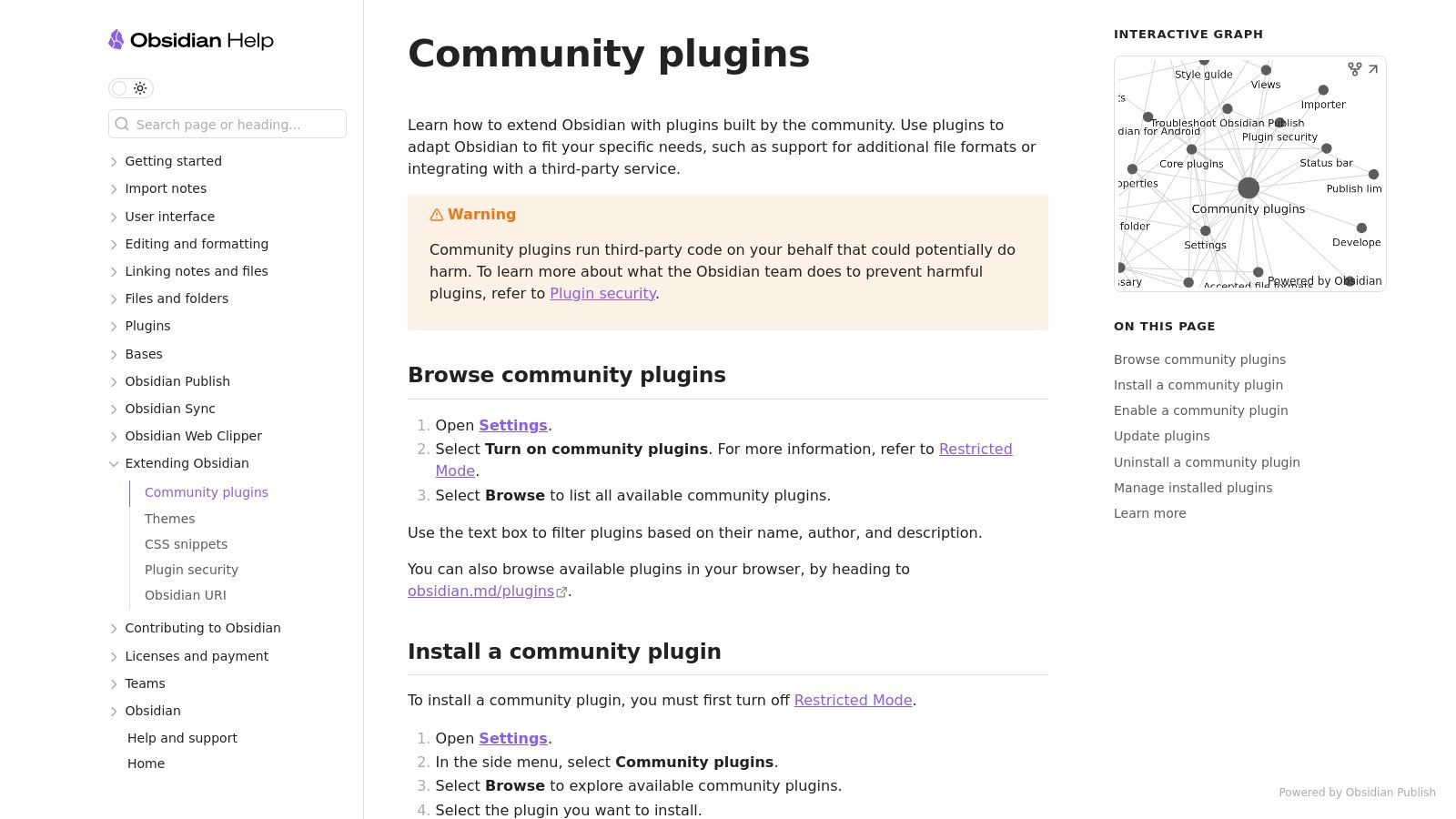
Get it: Search "Spaced Repetition" in the community plugins browser.
As your vault grows, finding and connecting information becomes harder. Dataview is a powerful query engine that lets you treat your vault like a database. You can create dynamic lists, tables, and reports that automatically update as you add or change notes.
For students, this is a game-changer. You can build a dashboard that shows all upcoming assignments, a table of all lecture notes for a specific course, or a list of articles you need to read. You write a simple query, and Dataview does the rest. It removes the manual work of maintaining indexes and MOCs (Maps of Content).
Best for: Organizing lecture notes by course, tracking deadlines, creating reading lists, and building a central dashboard for your studies.
How it works: Uses a simple query language (DQL) to pull data from your notes based on tags, folders, or frontmatter fields.
Get it: Search "Dataview" in the community plugins browser.
Text is great, but some ideas are better explained with a picture. Excalidraw is a virtual whiteboard that lives inside Obsidian. It lets you create diagrams, mind maps, sketches, and flowcharts and embed them directly into your notes.
This is critical for understanding complex systems, brainstorming essay structures, or mapping out relationships between concepts. Because the drawings are stored in your vault, you can link them to other notes, creating a rich, interconnected knowledge base. You can even embed your drawings in Markdown files and link text directly to specific parts of a drawing.
Best for: STEM students, visual learners, and anyone who needs to map out complex ideas.
How it works: Integrates the Excalidraw drawing tool into Obsidian, saving drawings as files within your vault.
Get it: Search "Excalidraw" in the community plugins browser.
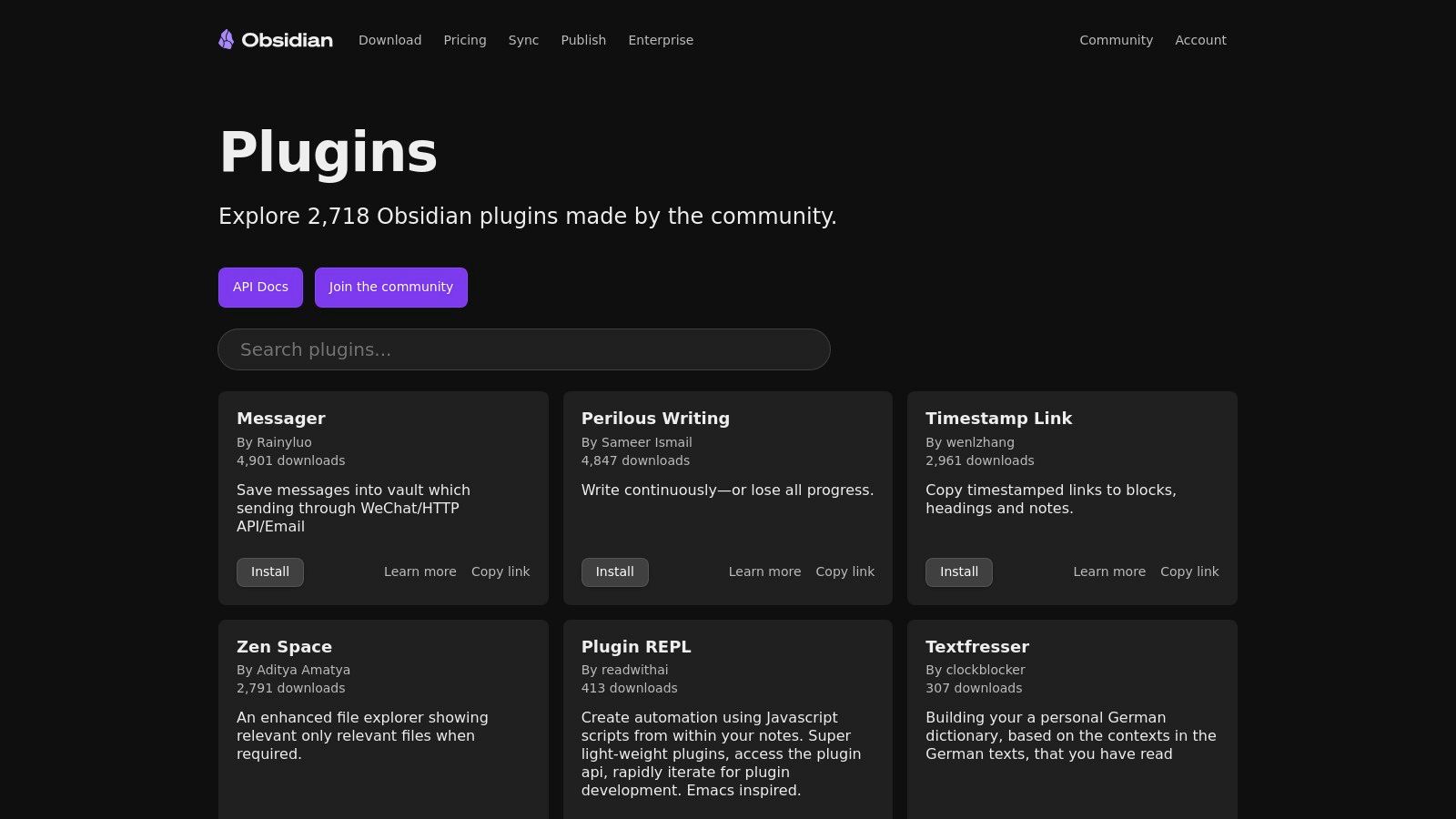
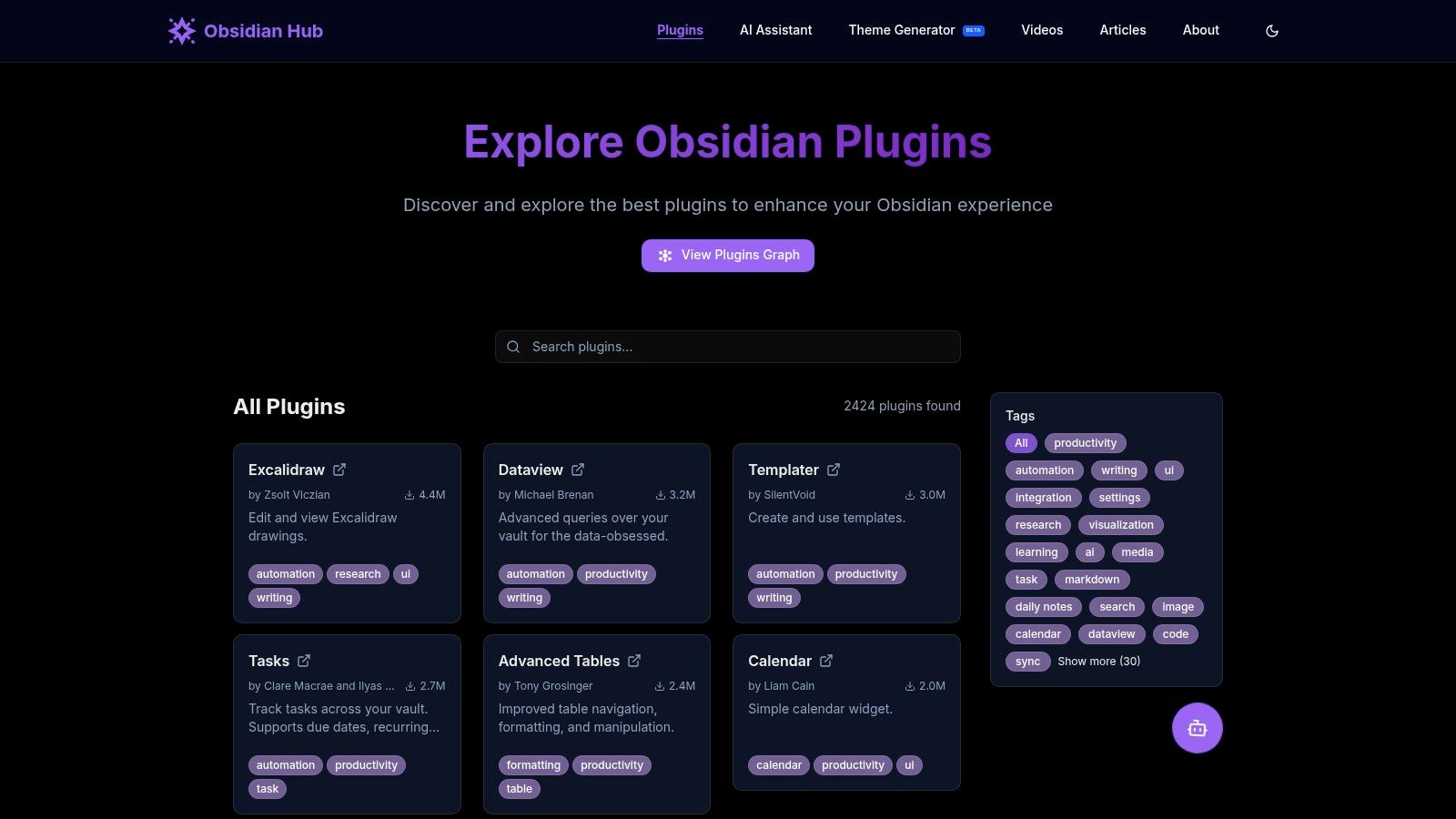
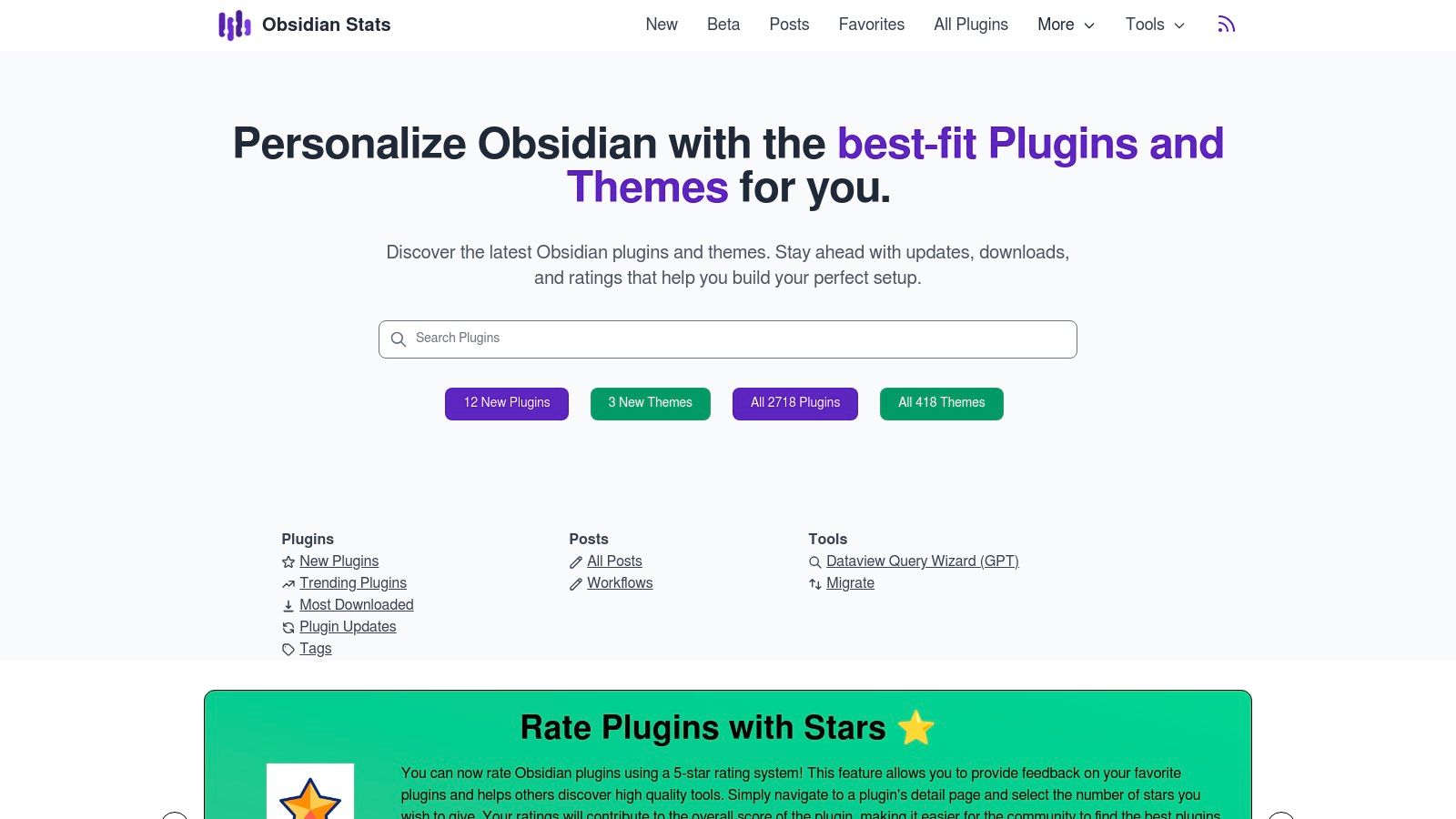
obsidianhub.org/plugins: A community-run directory with better filtering and categories, making it easier to find plugins for specific needs like "education."
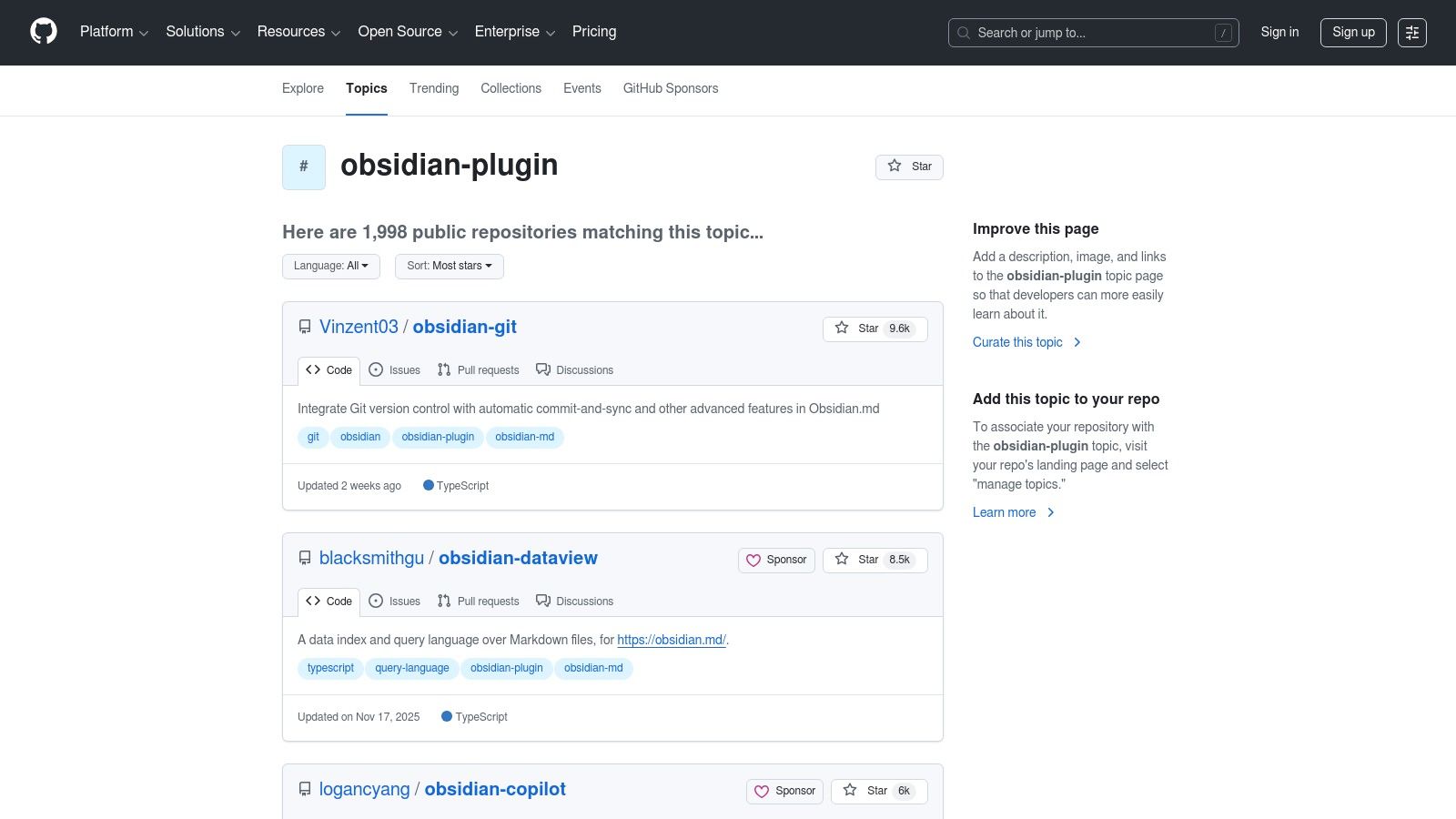
github.com/topics/obsidian-plugin: The source code for almost every plugin. Check here to see if a plugin is still being actively developed by looking at recent commits.
www.reddit.com/r/ObsidianMD/: Real-world discussions. Search for student workflows to see how others combine these tools.
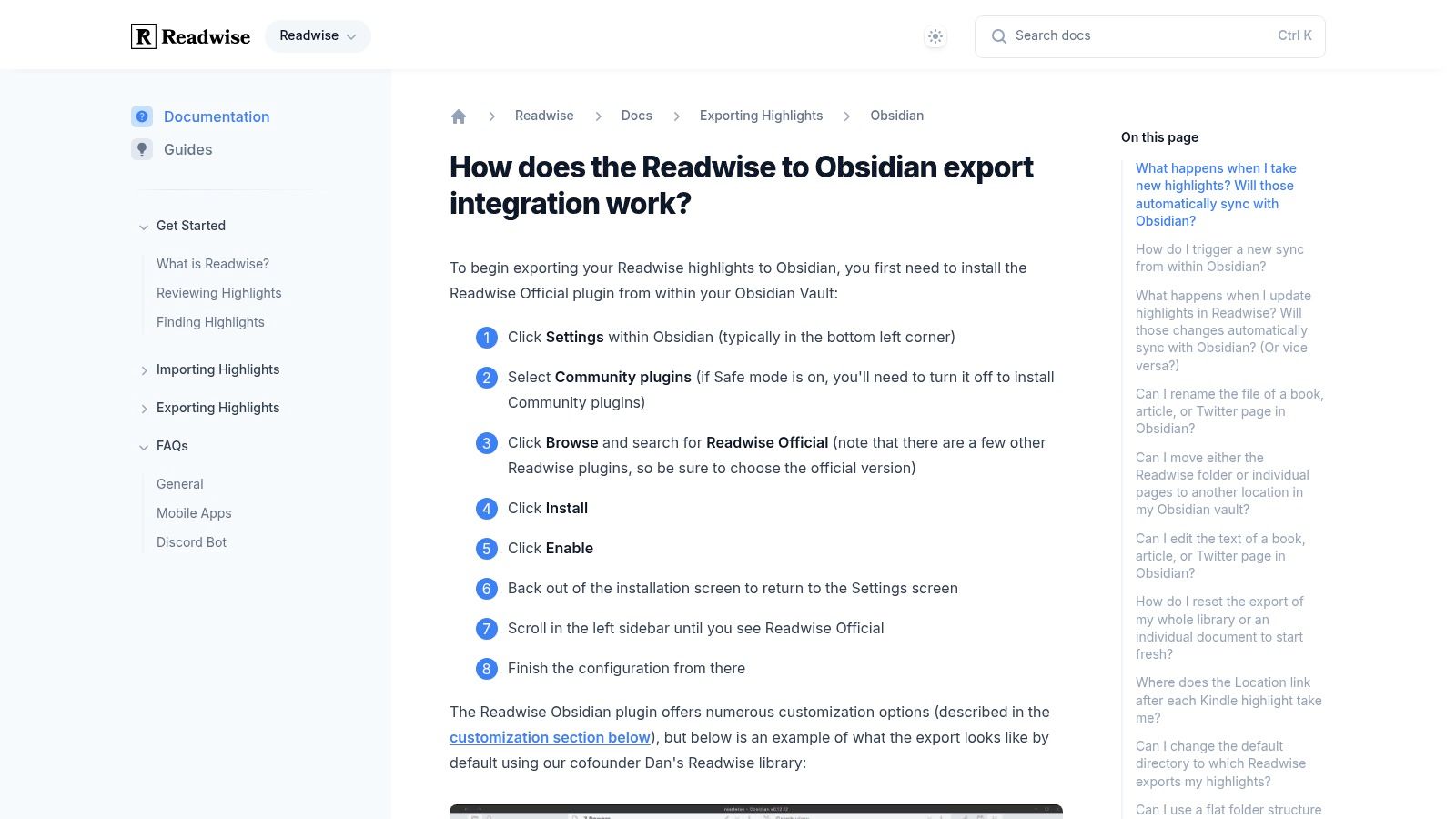
Readwise Official Plugin: If you highlight text from Kindle, articles, or PDFs, the Readwise plugin automatically syncs those highlights into Obsidian. This saves hours of manual copy-pasting. It requires a paid Readwise subscription.
Templates from Gumroad & Etsy: If you don't want to build a system from scratch, you can buy pre-made student vaults on marketplaces like Gumroad and Etsy. These often come with Dataview dashboards and note templates already configured.
Don't install everything at once. Start with the tool that solves your biggest problem.
If your notes are scattered and incomplete, start with a better capture method. Most learning content is video, making manual note-taking the biggest point of friction.
If you can't remember what you've learned, install the Spaced Repetition plugin and start making flashcards from your notes.
If you feel disorganized, set up Dataview to create a central dashboard for your courses.
If you struggle with complex topics, use Excalidraw to sketch them out.
A well-chosen set of plugins transforms Obsidian from a text editor into a personalized learning environment where your knowledge compounds over time. You are not just taking notes; you are building a system that will serve you throughout your academic and professional life. For more on building a scalable system, check out these knowledge management best practices.
If you learn from video on platforms like YouTube, Coursera, or Udemy, your biggest bottleneck is capture. The constant pausing and disorganized screenshots kill focus and retention. If you use Obsidian for learning, HoverNotes saves notes directly to your vault as local Markdown files. The timestamped screenshot feature alone saves hours of rewatching.
Build a powerful workflow for your Obsidian YouTube notes. Learn how to capture, organize, and link video knowledge to actually remember what you watch.