How to Learn Effectively from Udemy Videos and Actually Retain Information | HoverNotes Blog | HoverNotes
General2025년 12월 8일
How to Learn Effectively from Udemy Videos and Actually Retain Information
Discover how to learn effectively from Udemy videos with practical, science-backed strategies to stop passively watching and start retaining what you learn.
작성자 HoverNotes Team•14 분 읽기
The short answer: stop being a passive viewer and become an active learner. That means having a concrete plan for preparation, note-taking, and immediate practice. It’s the only way to turn your Udemy library into a lasting skill set.
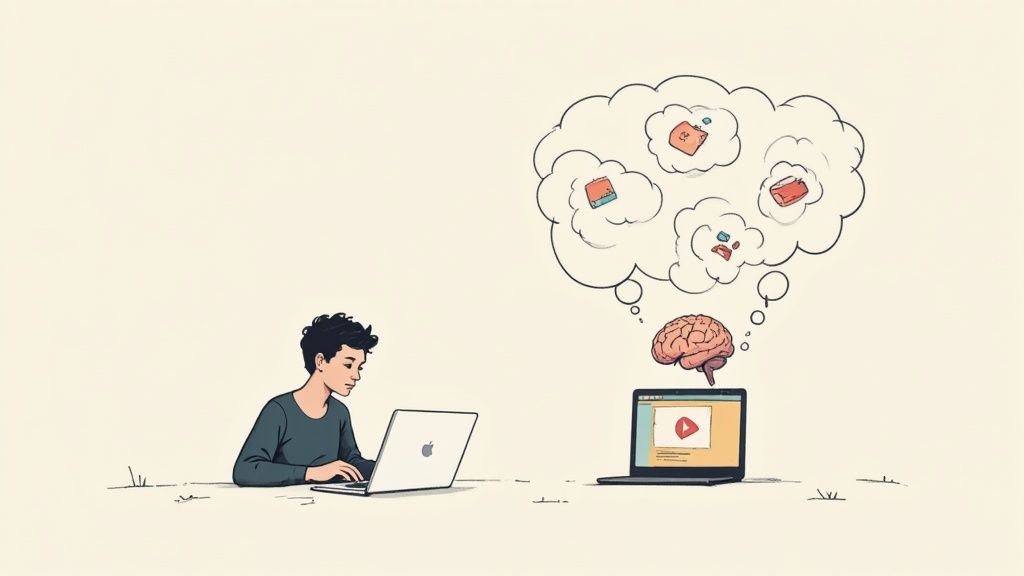
Ever finish a Udemy course and realize you've retained almost nothing? You're not alone. The problem isn't the course; it's how we consume video. Watching hours of tutorials is a surprisingly inefficient way to learn. Cognitive science calls the false sense of progress this creates the "illusion of competence."
You feel like you’re learning because the instructor makes complex topics seem simple. But your brain mistakes this familiarity for actual knowledge. You haven't done the hard work of wrestling with the concepts yourself to lock them into long-term memory. Without active engagement, the information disappears.
Our brains are wired to forget information that isn't used or connected to existing knowledge. You wouldn't expect to learn guitar by watching someone else play. The same logic applies here—you can't master a technical skill by just observing a tutorial. This is the core of the video learning retention problem. We spend hours on Udemy, YouTube, and Coursera, but the knowledge rarely sticks.
Making the switch from passive viewer to active learner is the only way to make knowledge last. This doesn't mean learning has to be harder, just more deliberate. Here’s a quick breakdown of common passive habits versus their active, high-retention counterparts.
Assuming you understand because the instructor is clear.
Immediately trying to replicate the steps on your own.
Copying and pasting code without typing it yourself.
Manually typing code to build muscle memory.
Taking messy, unstructured notes (if any).
Creating structured, timestamped notes you can review.
These small shifts make a huge difference. Active learning techniques transform video from a "lean-back" experience to a "lean-forward" one. This could mean:
Summarizing concepts in your own words, out loud.
Pausing to predict what the instructor is about to do next.
Taking structured notes that connect new ideas to what you already know.
Immediately applying what you just learned in a small practice project.
When done right, active online learning is highly effective. Students can retain between 25% and 60% of material from video, a significant jump from the 8% to 10% often seen in typical classroom settings.
Effective learning rarely starts the moment you hit the play button. Jumping into a Udemy course without a clear goal is like going to the grocery store hungry without a list—you’ll grab a bunch of stuff that looks interesting and leave without what you actually need.
The first step is to get specific. A vague goal like "learn Python" isn't actionable. You need a project, a tangible outcome you can point to.
Instead of a broad goal, try something like:
"I want to build a web scraper that pulls daily stock data from Yahoo Finance."
"My goal is to create a simple Flask API for my personal portfolio website."
"I need to understand Python classes well enough to refactor my messy script from last month."
This simple reframe turns a passive viewing session into a focused mission. Your brain isn't just absorbing information—it's actively hunting for the exact pieces it needs to complete your project.
Once you have your mission, open the course syllabus. Don't get bogged down in details. Just do a quick 2-minute scan to get the lay of the land and pinpoint the sections most relevant to your project. As you scan, jot down questions. If your goal is that web scraper, your questions might be:
Which library is better for this, BeautifulSoup or Scrapy?
How do I handle websites that require a login?
What's the best practice for storing the data once I've scraped it?
This prep work forces you to engage from the get-go. You’re no longer a passive student waiting to be fed information; you're an investigator on a quest for answers.
Finally, set up your physical and digital space for focus. This sounds simple, but it’s a powerful signal to your brain that it’s time for deep work.
Close irrelevant browser tabs. Put your phone on silent and move it out of arm's reach. If you use Obsidian, open your vault and create a new note for the session. With a tool like HoverNotes, for example, your notes will save as plain Markdown files directly into that vault, so you're building a local-first knowledge base from the start.
Your objective is to create a pocket of deep focus. By eliminating distractions beforehand, you ensure your mental energy is spent on the material itself, not on fighting for your own attention. This entire ritual might take five minutes, but the return is massive. You’ll learn faster, remember more, and actually be able to apply what you’ve watched.
Just hitting "play" and letting a Udemy video wash over you is the fastest way to forget everything. To make knowledge stick, you have to switch from being a content consumer to an active participant.
One of the most powerful techniques is simple: Pause and Paraphrase. The moment an instructor explains a key concept—say, a specific Python function—hit pause. Now, explain it back to yourself out loud, as if you’re teaching a coworker. This tiny action instantly reveals gaps in your understanding.
Another trick is retrieval practice. Instead of just repeating what the instructor said, pause and ask yourself: "Okay, how would I actually use this?" or "What specific problem does this solve for me?" This forges a link between an abstract idea and a concrete application, making it far more likely to stick.
So, if active engagement is so effective, why don't more people do it? Friction.
The constant stop-and-start of manual note-taking shatters mental flow. Pausing every 30 seconds to type, fumbling with screenshot tools, and then trying to find your place again is tedious. This is often where learning momentum dies.
The solution is to automate the capture process so you can stay focused on understanding. This is where a tool like HoverNotes helps. It's a Chrome extension that watches the video with you, generates AI notes, and saves them as Markdown directly to your file system. It watches the actual video frame-by-frame, not just the transcript, so it captures visual context that other tools miss.
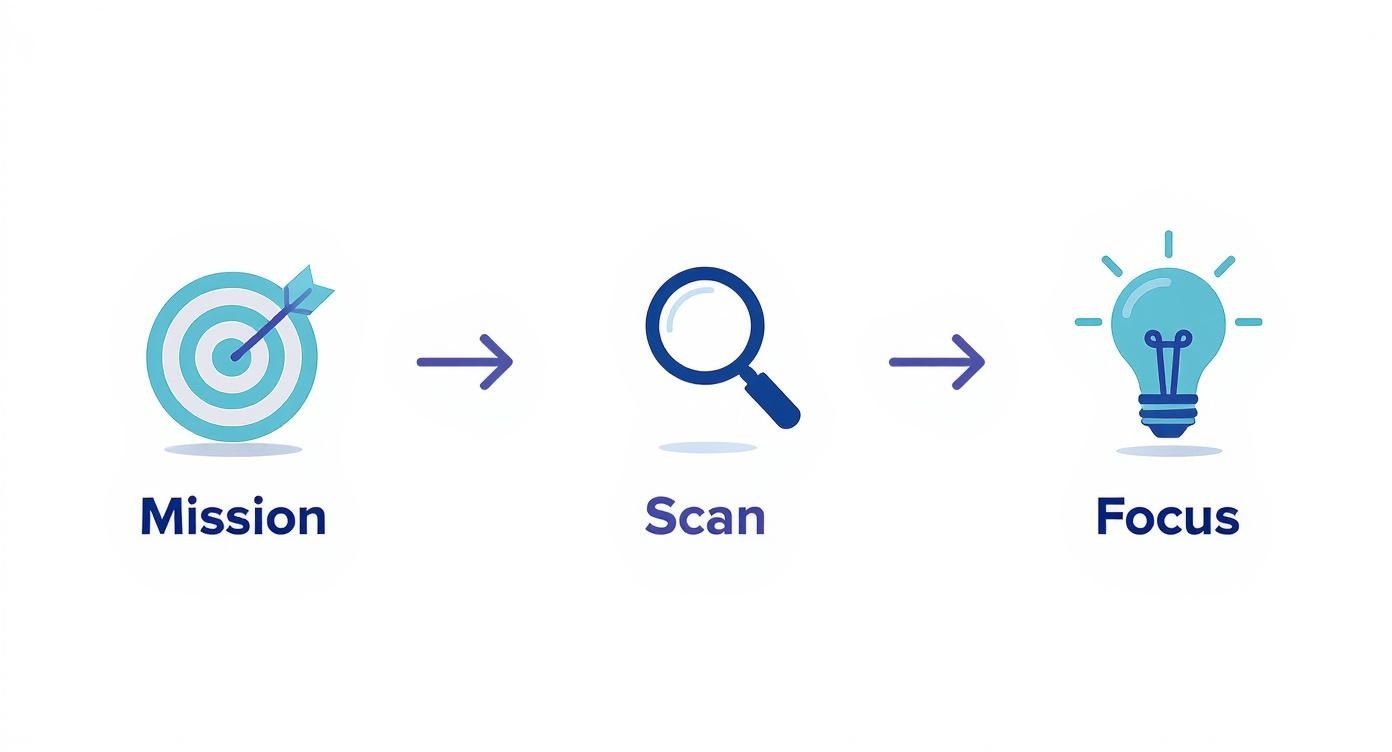
This approach boils down to a simple workflow: mission, scan, and focus.
You start with a clear goal (mission), quickly identify key sections (scan), and then dive deep into those parts (focus). Because HoverNotes analyzes the video, it catches code snippets, diagrams, and on-screen demos, freeing you to think and understand. This differs from basic audio-to-text tools, as explained in our guide on how to transcribe a YouTube video.
Much of the critical information in a technical Udemy course is shown, not just said. A complex system diagram, a specific line of code, a checkbox in a software interface—these are the details you'll need later.
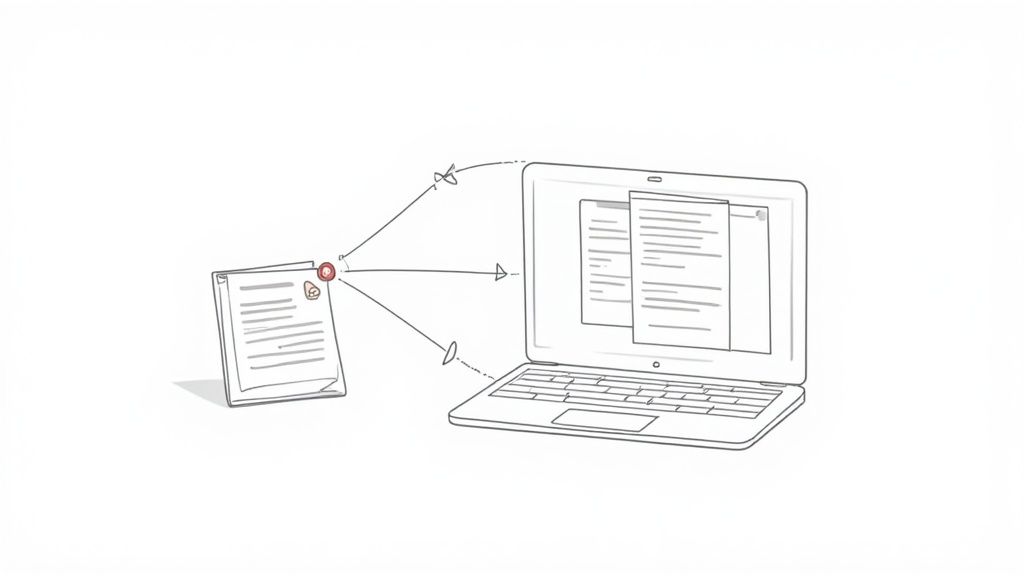
Manually capturing these moments is a pain. HoverNotes solves this with one-click, timestamped screenshots. You see something important, you click, and the frame is captured and embedded in your notes. When reviewing later, just click that image, and it jumps you back to that exact moment in the video. This feature alone can save you hours of scrubbing through timelines. By offloading the mechanical work, you free up your brainpower for the real work of learning.
#Build a Personal Knowledge Hub from Your Udemy Notes
Real learning doesn't stop when the video ends. The goal isn't just to finish a course; it's to build a lasting, usable library of knowledge. That means turning scattered notes into an interconnected, searchable personal knowledge hub. Without a system, your notes become digital junk, lost across different apps and folders.
The most effective way to learn for the long term is to connect ideas across different courses. Insights from a Python course on web scraping should link to what you learned in a data analysis course. You’re not just making a list of facts; you’re weaving a web of understanding.
Your knowledge is your most valuable asset. Trapping it on a cloud server you don't control, locking it behind a subscription, or holding it in a proprietary format is a bad long-term strategy. True ownership means your notes live on your machine, accessible anytime, forever.
This is where the format of your notes is critical. For a durable knowledge base, plain text files like Markdown (.md) are the gold standard. They're future-proof, universally compatible, and powerful.
Tools built for learners understand this. For example, HoverNotes saves notes as Markdown files directly to your file system. There's no cloud sync or proprietary app. You own the files. Move them, back them up, grep them—they're just text.
For Obsidian users, this workflow is a game-changer. Notes save as .md files right into your Obsidian vault, completely sidestepping proprietary formats or sync services. Your notes belong to you from the moment they're created.
Once your notes are in a tool like Obsidian, you can build connections that mimic how your brain works. Here’s a practical way to start:
Tag Everything: Use consistent tags like #python or #datascience to categorize notes from different courses. This makes discovery effortless.
Create Backlinks: When a concept in a new Udemy course reminds you of something you’ve already learned, create a direct link between the two notes. This is how you build a web of interconnected ideas.
Make "Maps of Content": Create a central note (e.g., "My Python Learning Hub") that links out to all your individual notes on Python topics. This provides a high-level command center.
This process transforms passive notes into an active knowledge system. You can get a deeper look at this approach in our guide to personal knowledge management software.
And if you’re a Notion user, a clean note-taking process is just as important. Because HoverNotes captures well-formatted Markdown, you can copy your notes straight into Notion or Google Docs, and the formatting—headings, bullet points, and images—transfers cleanly.
Let's talk about the most important—and most skipped—step: moving from watching to doing.
Watching a tutorial makes you familiar with a concept. Only applying it builds competence. The goal is to aggressively shrink the gap between knowing and doing. It’s easy to fall into the “code-along” trap, where your screen perfectly mirrors the instructor's. You feel productive, but the learning is shallow.
The real test comes after you finish a section. Pause the video. Now, try to build that same feature again, but this time from memory. This forces your brain into active retrieval. It will feel tough, and you’ll probably stumble. Good. That struggle is where knowledge starts to stick, moving from flimsy recognition into solid understanding.
#Tackle Course Projects Before Watching the Solution
Most Udemy courses have a final project. The biggest mistake you can make is jumping straight to the solution video. Treat these projects like a final exam. Try to build the entire thing on your own first. Use your notes, but don't use the instructor's walkthrough.
You will get stuck. This isn’t a sign of failure—it’s a sign that you are genuinely learning. When you hit a wall, resist the instinct to immediately check the answer. Instead, turn to your notes. This is where your organized, timestamped knowledge base becomes your most valuable asset.
The real objective is to move from "I've seen this done" to "I have done this myself." This shift only happens when you force yourself to solve problems independently.
This is where having timestamped screenshots in your notes pays off. When you're stuck on a specific problem, you don't have to waste time scrubbing through hours of video. Just find the relevant note. A single click on that screenshot takes you back to the exact moment in the video where the instructor explained that function or technique. It's an efficient way to get a quick refresher and dive right back into your project without losing flow.
For developers, translating tutorial concepts into working code is often the toughest part. If you want to dig deeper into this challenge, check out our guide on making tutorial code work in real projects.
This cycle—apply, struggle, review—is the engine of effective learning. It’s how you stop being a passive video watcher and start building a real-world skillset.
Stick to one or two courses at a time, max. Juggling more than that forces constant context-switching, which kills memory retention. It's far better to see one project-based course through to the end before starting the next one.
This is a common problem. Instead of rewatching the same clip repeatedly:
Slow the video down. 0.75x is usually the sweet spot—slow enough to follow, but not painfully so.
When you hit a complex part, use a tool that captures timestamped screenshots. This lets you pause and analyze a specific code block or diagram without constantly scrubbing the video timeline.
Focus on understanding why the instructor is doing something, not just copying their actions.
No. That's a fast track to burnout. Be selective. Concentrate your note-taking on videos that introduce foundational concepts, complex workflows, or specific code snippets you know you’ll want to look up later. For intro or summary videos, a few key takeaways are enough. The goal isn't a perfect transcript; it's a personalized, usable reference guide.
#I Keep Getting a Black Screen When I Try to Screenshot Udemy. Why?
This is a common issue caused by DRM (Digital Rights Management) protection that blocks most standard screenshot tools. To get around this, you need a tool specifically designed to handle it. We've put together a full guide that walks through the solution for how to fix the Udemy screenshot black screen issue.
Completion rates for online courses are low—often between 12% and 15%. A big reason is a lack of engagement. One study found that 82% of learners said interactive elements were key to staying focused. You can read the research on the impact of interactivity on eLearning engagement.
To beat the odds, change your mindset. Stop focusing on "finishing the course." Instead, focus on "building the next feature for my web scraper." Tying your learning directly to a project gives you small, tangible wins that fuel motivation far better than a progress bar ever will.
The timestamped screenshot feature in HoverNotes alone saves hours of rewatching. You can try it free—you get 20 minutes of AI credits, no credit card required.
Learn how a study guide maker transforms video lectures into actionable notes. This guide covers setup, capture, and integrating notes into your workflow.
Discover how personal knowledge management software can organize your video learning. Explore practical workflows for students using PKM tools like Obsidian.