How to Turn a YouTube Video Into Notes You'll Actually Use | HoverNotes Blog | HoverNotes
General2025年11月28日
How to Turn a YouTube Video Into Notes You'll Actually Use
Stop forgetting what you watch. Learn how to turn any YouTube video to notes and build a searchable, long-term knowledge base that you actually own.
作者 HoverNotes Team•14 分钟阅读
You can turn a YouTube video into notes with a browser extension that uses AI to generate summaries, key insights, and a full transcript. This lets you focus on understanding the content instead of frantically typing.
We’ve all done it. You spend a weekend watching lectures and tutorials on YouTube, feeling productive. A week later, you can barely recall the main points. This isn't a memory problem; it's a retention problem. Passively watching videos is an ineffective way to learn because the information is never actively processed.
Taking notes forces you to engage with the material, flipping you from a passive viewer to an active learner.
Your brain isn't built to retain information it only sees or hears once. Without active engagement, knowledge doesn't stick. It’s like reading a textbook without ever highlighting a sentence or jotting a note in the margin. The information flows in one ear and out the other.
Video learning often creates an "illusion of competence." You feel like you get it while the expert explains it, but that feeling disappears when the video ends. To truly learn, you have to interact with the material.
Video learning has a retention problem. Taking notes forces your brain to summarize, question, and structure information, which is the foundation of genuine learning.
The goal isn't just to watch more content, but to build a permanent, searchable knowledge base from what you consume.
Manually pausing, rewinding, and typing out notes from a video is tedious. It breaks your focus and pulls you away from the content. This friction is why most people don't bother.
AI can handle this grunt work. For instance, HoverNotes is a Chrome extension that generates AI notes from videos and saves them directly to Obsidian. Instead of trying to type everything, you let an AI create the transcript and summary. This frees you up to focus on the concepts being taught.
This workflow has a few clear benefits:
Focus on Understanding: The AI handles note-taking so you can focus on understanding.
Build a Permanent Record: Notes saved to a local-first tool like Obsidian mean you own your knowledge forever.
Improve Recall: Reviewing and linking AI-generated notes reinforces the information. We cover this more in our guide on improving video learning retention.
The difference between the old way and the new way is significant. Here’s a quick comparison of the effort involved and the results.
Aspect
Manual Note-Taking
AI-Assisted Note-Taking
Effort
High; constant pausing and typing
Low; one-click capture
Focus
Divided between watching and typing
Concentrated on understanding the material
Speed
Slow and tedious, often lagging behind the video
Instantaneous capture of transcripts and summaries
Accuracy
Prone to typos and missed details
Highly accurate transcription and summaries
Output
Raw, unstructured text
Organized notes, timestamps, and key takeaways
Searchability
Limited to what you managed to write down
Fully searchable transcript and notes
AI-assisted tools don't just make the process faster; they make learning from video more about insight and less about transcription.
With YouTube reaching nearly 2.85 billion users, the need for better learning tools is clear. AI-powered note-taking is a practical solution for students and professionals who want to turn watch time into lasting knowledge. For more on this trend, see the latest AI note-taking stats from Remio.ai.
To consistently turn videos into knowledge, you need a simple system. If it's clunky, you'll abandon it after a week.
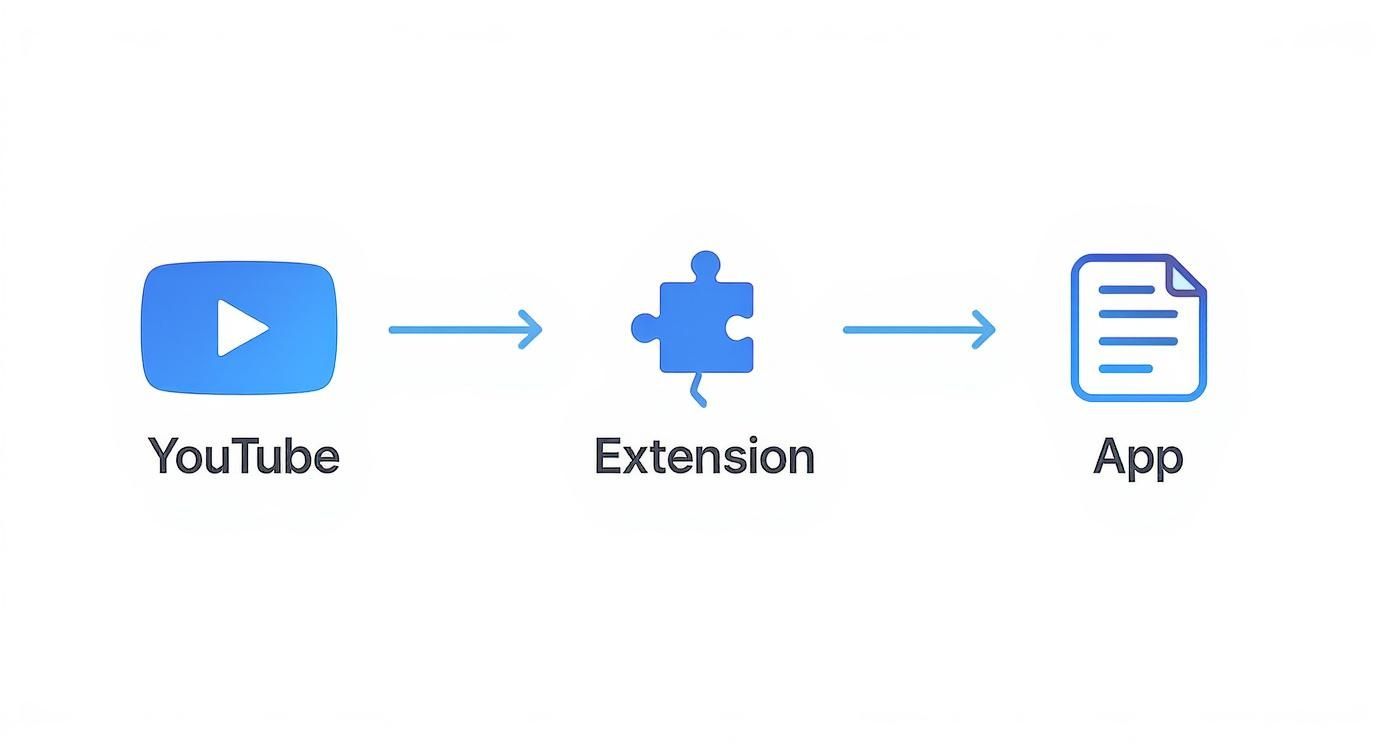
The goal is a reliable workflow that lets you capture an idea without breaking your focus. This requires two components: a capture tool and a home for your notes. For capture, a browser extension is best. For storage, a local-first app like Obsidian or Logseq is ideal—it means you own your knowledge forever, stored privately on your machine.
The best setups are simple and don't require constant maintenance. Here’s what you need to create a smooth pipeline from a YouTube video into your personal knowledge base:
A Browser Extension: This is the core of your system. It integrates directly with the YouTube player, so you never have to leave the page.
A Local-First Note App: This is your digital brain. Using an app that stores notes as plain text files means you’re never locked into a service that could shut down.
This combination separates the act of capturing from processing. The extension is for quick captures, while your note-taking app is the permanent library where you organize and connect ideas later.
Your notes should be a permanent asset that you own completely. Local-first storage means they can't be lost if a service disappears.
Let's build the system. The first step is to choose a tool designed for this job. A dedicated extension streamlines the entire process.
For example, HoverNotes is a Chrome extension that generates AI notes from videos and saves them directly into Obsidian. It's built to bridge the gap between watching a video and having a useful note. You can see how these tools work on the HoverNotes Chrome extension page.
After installing an extension, you typically perform a one-time setup to connect it to your note-taking app. For a tool like HoverNotes, this just means pointing the extension to your local Obsidian vault folder. Now, any notes you create are automatically saved as new Markdown files in the right place.
The final piece is a simple system in your notes app. Create a dedicated folder—like "Video Captures" or "YouTube Inbox"—where new notes land. This keeps raw captures separate from your processed notes, giving you a clean inbox to review later.
With this system in place, you’re ready to start watching with purpose.
With your system set up, it's time to turn a YouTube video into notes. Your goal isn't to transcribe every word. Think of yourself as a curator, pulling out the specific ideas and moments that matter to you.
The process is straightforward. Hit play on the video. As you watch, use your browser extension to capture what you need. You might grab a full transcript at the start, generate an AI summary to check your understanding, or screenshot a key diagram.
The data just flows from the video to your notes.
You stay focused on the content while the extension handles the capture and filing in the background.
Automatic timestamps are one of the most valuable features. Manually noting "check 14:32" is slow and imprecise. A good extension links every note and screenshot back to the exact moment it appeared in the video.
This is a practical improvement. If you screenshot a complex function in a coding tutorial, that image is now a portal. A month later, when reviewing your notes, you can click the image and instantly jump back to that precise point in the video to hear the original explanation again.
A good tool layers its functions over the video player without getting in the way. Becoming efficient with the playback interface itself also helps. You can learn more about YouTube video controls for better learning to fine-tune your process.
AI offers a toolkit of note types. The trick is knowing which one to use.
Full Transcript: This is your foundation. Grab the entire script at the beginning. It becomes a searchable document, useful for finding specific quotes or keywords later.
AI Summary: After watching for a bit, an AI summary provides a high-level overview. It's a quick way to confirm your understanding of the video's main points.
Key Takeaways: This is often the most useful output. Instead of a dense summary, you get a clean, bulleted list of the most critical concepts, saving you the effort of distilling them yourself.
The real skill isn't just capturing information, but layering it. Start with the transcript as a base, add your own timestamped thoughts, and drop in key screenshots. This creates a rich document that's more useful than any single type of note.
A tool like HoverNotes, a Chrome extension that generates AI notes and saves them directly to Obsidian, brings this all together. While watching, you can grab a summary or screenshot with a single click. Everything lands in a tidy Markdown file in your vault, complete with timestamps.
A folder full of transcripts and screenshots is just the starting point. Real learning begins when you stop just capturing a youtube video to notes and start interacting with the ideas.
Raw notes are ingredients. The real work is layering your own thoughts on top, turning a passive lecture into an active conversation.
Treat your "inbox" folder as a temporary holding area. Nothing should live there permanently.
Review each note and give it a purpose. Does this new idea support something you're already thinking about? Does it challenge one of your assumptions? This is where a local-first tool like Obsidian excels. You're not just filing documents; you're weaving a web of interconnected thoughts.
The most valuable part of your notes isn't what the video's creator said—it's the connections you make. Your personal insights are what turn information into understanding.
Every time you process a new note, ask a few questions:
What's the main idea? Write a quick summary in your own words at the top.
Where does this fit? Use backlinks like [[Mental Models]] or [[Productivity Systems]] to connect this new information to existing concepts.
How will I find this later? Add relevant tags, like #creativity or #python.
This process might take 5-10 minutes per video, but it's the most critical step. It’s the difference between collecting information and internalizing it.
AI provides the raw text; your job is to add the human context.
As you review the note, bold sentences that stand out. Add your own commentary in italics or a blockquote. If a concept sparks a question, write it down immediately.
This is about building a personal knowledge base. We've seen this work in practice. Some medical students cut exam prep time by 60% by actively processing AI notes from surgery tutorials. Project managers have reduced meeting review time by 75% using the same method with training videos. You can find more stats on this topic at Recurpost.com.
AI transcription also provides access to a wider range of content. You can now watch a lecture from a German physicist and get the key takeaways in English.
HoverNotes is a Chrome extension that generates AI notes from videos and saves them directly to Obsidian, and it is designed to handle this. It lets you learn from international experts without being fluent, expanding your learning sources.
By consistently applying these techniques, you build a knowledge system that grows in value over time. To see how to get this set up, check our guide on the HoverNotes and Obsidian integration. Every note you process becomes another connection that makes your entire knowledge base more useful.
Automating how you convert a YouTube video to notes is a huge improvement, but it can create new problems. It's easy to adopt habits that feel productive but don't lead to real learning.
The biggest trap is becoming a digital hoarder. The tools make capturing so easy that you can end up with hundreds of notes you never review. Recognizing these mistakes is the first step toward building a system that actually works.
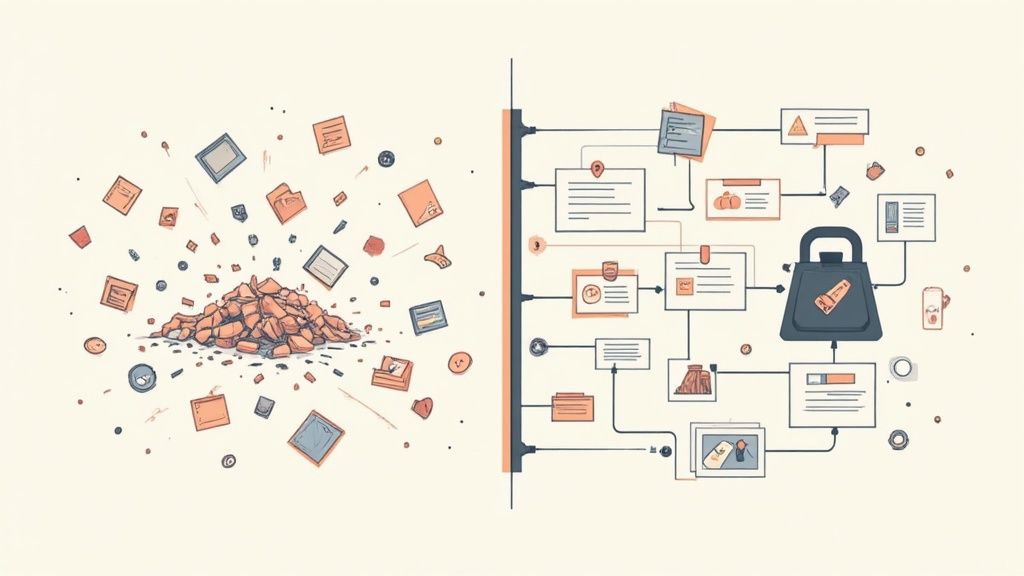
This mistake is common because it feels productive. You grab the transcript and save key moments, watching your notes folder grow. But capturing isn't the same as understanding. If your notes sit unreviewed and disconnected, you haven’t learned much.
The fix is a simple, consistent review habit.
Set a Small Goal: Don't try to process everything. Just aim to review one video note each day.
Timebox It: Dedicate just 15 minutes to processing. Read the summary, link key ideas to other notes, and add your own thoughts.
Use an Inbox: Keep all new video notes in a temporary folder. Your goal is to clear that inbox by the end of the week.
This small, consistent effort is what turns a pile of data into a useful knowledge base.
AI is a great assistant, but it's not a replacement for your own thinking. It's tempting to grab the AI-generated summary and move on, but that skips the most important work. The AI can tell you what was said, but only you can decide what it means to you.
AI is there to handle the grunt work—transcription and summarization—so you can focus on analysis and connection. Use it to offload the tedious parts, not to outsource your thinking.
A good practice is to write your own one-sentence summary at the top of every note before reading the AI's version. This forces you to engage with the material on your own terms first.
Finally, you will encounter technical issues. Sometimes a video has poor audio, and the transcript will be inaccurate. Don't waste time fixing every word. Use the timestamps to jump back to confusing parts, listen, and manually correct only the most critical sentences. The goal is a useful note, not a perfect record.
Once you start turning YouTube videos into notes, a few questions come up regularly. Here are direct answers for building a workflow and knowledge base you'll actually use.
This isn't an either/or choice. The best system uses both.
Manual note-taking is effective for memory because it forces you to process what you hear. The problem is that it's painfully slow, and you'll miss key details.
AI tools are the opposite. They capture everything in seconds, from a full transcript to key takeaways. They do the heavy lifting so you can focus on understanding ideas instead of typing.
The most effective workflow is a hybrid: let an AI tool capture the raw material. Then, manually add your own thoughts, questions, and connections. You get the speed of automation and the deep learning from manual engagement.
Without a system, your notes will become a digital junk drawer.
The key is a simple, consistent structure. Start with a dedicated folder—like 03 - Video Notes or YouTube Inbox—where all new captures land.
Then, apply a few rules to every note:
Use a Naming Convention: Something like YT - [Video Title] makes searching much easier. Stick to it.
Tag Broad Topics: Use tags like #Marketing or #Python to group related ideas from different sources. This helps you see patterns.
Link Concepts: This is the core of Obsidian. When a video mentions a concept you have a note for, link it with [[Concept Name]]. This transforms disconnected files into a web of knowledge.
AI transcription isn't perfect. It struggles with poor audio, strong accents, and background noise. Don't let that stop you.
The goal is comprehension, not a perfect transcript. For most videos, the text will be 95% accurate, which is good enough.
When you find a messy section, use your tool's timestamps to jump to that moment in the video and listen for yourself. Make a quick manual fix for the important parts and move on from the rest. You're building a useful asset, not a perfect one.
Ready to stop forgetting what you watch? HoverNotes makes it easy to turn any video into permanent, searchable knowledge in your own notes. Try the HoverNotes Chrome extension today and start building a knowledge base that lasts.
Struggling with recorded lectures? Find the best lecture note taker for video, compare digital vs. handwritten tools, and learn to own your study notes.
Learn how to transcribe a YouTube video using methods that actually work. Compare built-in tools, AI services, and browser extensions to find your best fit.