7 meilleures applications pour prendre des notes de cours pour les étudiants (Guide 2026)
Vous avez du mal avec les cours enregistrés ? Trouvez le meilleur preneur de notes pour les vidéos, comparez les outils numériques et manuscrits, et apprenez à maîtriser vos notes d'étude.
Par HoverNotes Team•21 min de lecture
Votre portail universitaire regorge de cours enregistrés, de sessions Zoom et de tutoriels YouTube. Vous les regardez, mais combien en retenez-vous vraiment ? Le principal problème de l’apprentissage par vidéo est la rétention. Mettre la vidéo en pause pour taper, jongler avec les captures d’écran et essayer de prendre des notes à la main est un processus maladroit qui casse votre concentration. Même si les notes manuscrites peuvent aider à la mémoire, elles ne peuvent pas être recherchées et ne sont pas reliées au moment précis d’un cours enregistré. Un preneur de notes dédié résout ce problème.
Ces outils vous aident à capturer les concepts clés, les détails visuels comme les schémas d’un diaporama et le code affiché à l’écran sans la frustration des arrêts/reprises. Un bon système rend votre matériel d’étude actif et facilement consultable, au lieu d’être passif et vite oublié.
Ce guide présente 7 outils distincts pour prendre des notes à partir de cours enregistrés. Nous couvrirons tout, des extensions IA qui regardent la vidéo avec vous aux carnets intelligents qui numérisent votre écriture manuscrite. Nous vous montrerons comment trouver le meilleur preneur de notes pour vos cours, que vous visionniez des vidéos sur un portail universitaire, Coursera, ou un enregistrement Zoom sauvegardé localement. L’accent est mis sur des solutions pratiques qui vous aident à créer une base de connaissances permanente et consultable que vous possédez vraiment. Chaque option inclut des captures d’écran et des liens directs pour commencer.
HoverNotes est une extension Chrome qui regarde les vidéos avec vous, génère des notes par IA et les sauvegarde sous forme de fichiers Markdown directement sur votre système de fichiers. Elle est spécialement conçue pour apprendre depuis des vidéos sur des plateformes comme YouTube, Coursera, Udemy et les portails de cours universitaires. Sa force principale est d’analyser l’information visuelle directement à partir des images de la vidéo, pas seulement la transcription audio.
Cette méthode garantit que le contexte visuel crucial à l’écran — comme les extraits de code, les équations mathématiques ou les schémas d’un cours enregistré — est capturé avec précision. Contrairement aux outils qui se limitent à analyser les transcriptions, HoverNotes regarde la vidéo en même temps que vous pour créer des notes complètes et structurées au format Markdown clair.
HoverNotes est conçu pour les étudiants qui tiennent à la propriété des données et à l’intégration avec des outils comme Obsidian.
Vie privée en local prioritaire : Les notes se sauvegardent directement sur votre ordinateur au format .md simple, ce qui en fait un preneur de notes parfait pour les utilisateurs de Obsidian. Votre savoir reste privé et sous votre contrôle total, accessible même hors ligne. Vous êtes propriétaire des fichiers.
Visuels horodatés : Un clic suffit pour capturer une capture d’écran de la vidéo, intégrée directement dans vos notes. Chaque capture contient un horodatage cliquable — un clic vous ramène au moment exact dans la vidéo. Cela est inestimable pour revoir des explications visuelles complexes lors de la préparation aux examens.
Mode sans distraction : Le mode vidéo bloque les distractions d’un site et place vos notes juste à côté du contenu. Cela crée une vue en écran partagé pour un apprentissage focalisé sans interruption.
Après l’installation de l’extension Chrome, un panneau HoverNotes apparaît à côté de toute vidéo. Vous pouvez déclencher la génération de notes par IA, ou taper manuellement les vôtres et utiliser les outils gratuits comme les captures d’écran horodatées. Pour un guide détaillé, vous pouvez en apprendre plus sur la configuration de HoverNotes pour le connecter à votre application locale de prise de notes.
Point clé : La capacité à capturer des éléments visuels que les transcriptions audio manquent est un différenciateur crucial. Pour les matières STEM, la programmation ou tout sujet visuel dense, HoverNotes fournit un enregistrement de cours plus complet que les outils qui se contentent de traiter la parole.
Avantages :
Regarde la vidéo pour capturer les détails visuels comme le code, les schémas et les équations.
Sauvegarde les notes en fichiers Markdown locaux, idéal pour Obsidian et la confidentialité des données.
Captures d’écran avec horodatage cliquable en un clic pour un réexamen rapide.
Fonctionne sur n’importe quel site avec vidéo, y compris les portails universitaires et fichiers locaux.
Inconvénients :
Nécessite un navigateur basé sur Chromium (comme Chrome, Edge ou Brave).
L’intégration directe au coffre Obsidian nécessite quelques étapes d’installation initiales.
L’accès de base offre 20 minutes de génération de notes par IA ; un usage intensif nécessite une montée en gamme. Vérifiez les options actuelles sur la page tarifaire HoverNotes.
L’accès d’entrée de gamme ne requiert pas de carte bancaire, ce qui facilite le test de ses capacités avec vos propres contenus de cours.
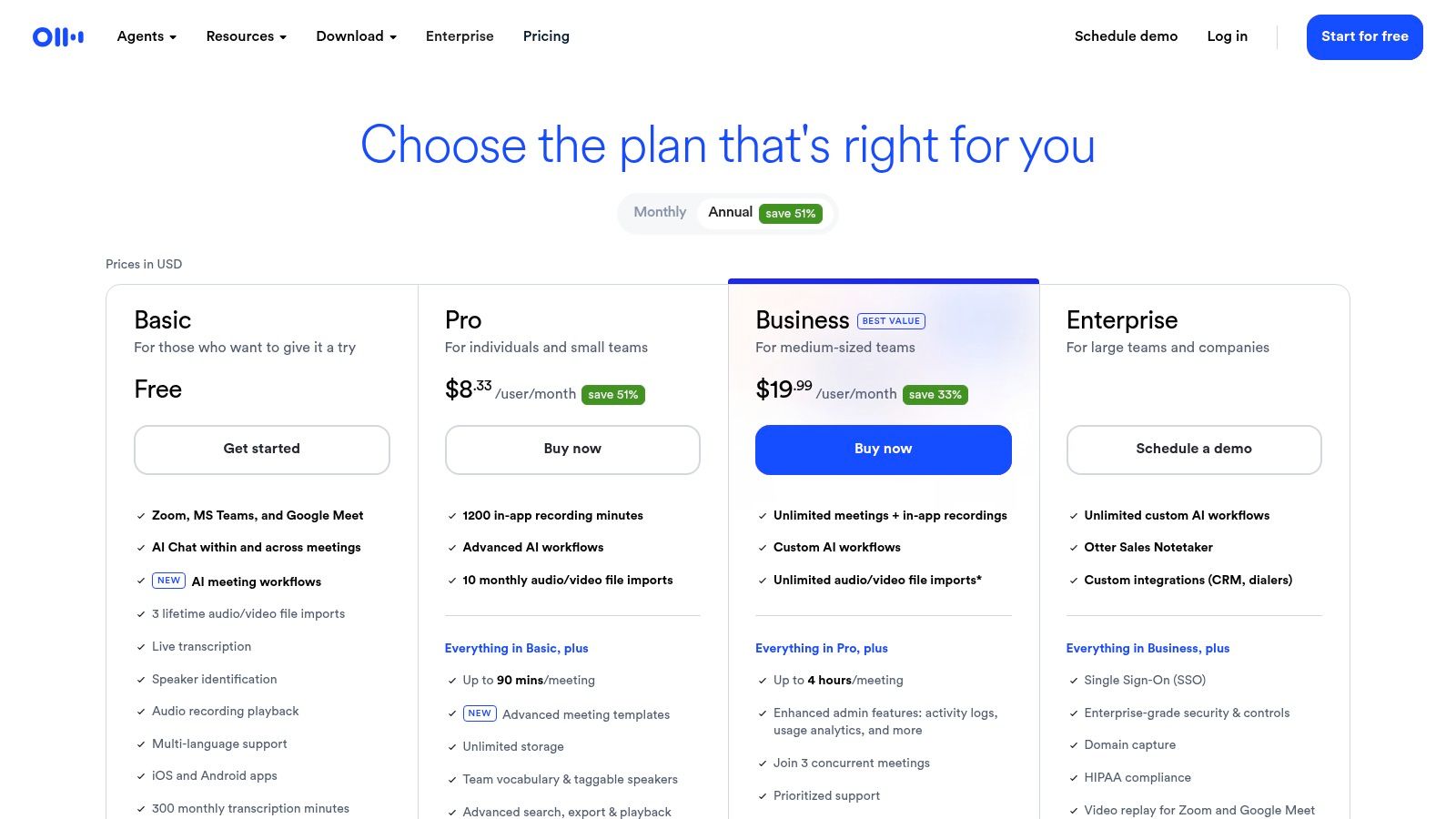
Otter.ai est un preneur de notes IA conçu pour la transcription automatique. Il excelle à convertir les cours oraux, en direct ou préenregistrés, en texte horodaté et consultable. Pour les étudiants dans des cours rapides, cela signifie que vous pouvez capter chaque mot sans taper frénétiquement, ce qui vous permet de vous concentrer sur l’explication du professeur. Otter.ai s’intègre directement aux outils de réunion comme Zoom, rejoignant automatiquement vos classes virtuelles pour les enregistrer et les transcrire en temps réel.
Sa force principale réside dans le traitement audio. Vous pouvez importer des enregistrements existants de cours (audio et vidéo), et la plateforme génère rapidement une transcription complète. Les fonctionnalités clés incluent l’identification des locuteurs, qui distingue le professeur des intervenants, et des résumés automatiques qui synthétisent les longs cours aux points clés. Cela en fait un excellent outil pour réviser des cours denses avant un examen.
Transcription en direct : Connectez Otter à vos cours en ligne en direct pour obtenir une transcription en temps réel, parfait pour suivre ou rattraper des détails manqués.
Import audio/vidéo : Vous avez un enregistrement sauvegardé depuis votre portail universitaire ? Téléchargez simplement le fichier et laissez Otter faire la transcription.
Recherche et exportation : La transcription entière est consultable. Vous pouvez trouver chaque mention d’un mot-clé, copier les sections importantes pour vos notes ou exporter le texte complet.
Collaboration : Les groupes d’études peuvent partager et commenter les transcriptions, créant un dépôt central de connaissances pour tous.
Au 16 juillet 2026, le niveau d’entrée d’Otter inclut 300 minutes de transcription par mois, une limite de 30 minutes par transcription et trois importations de fichiers à vie. Les niveaux supérieurs augmentent ces limites et ajoutent des fonctions de collaboration. Consultez la page officielle des tarifs d’Otter avant de choisir un plan ; les conditions et prix régionaux peuvent varier.
Bien qu’Otter soit performant pour créer un texte précis à partir de l’audio, c’est une solution « audio-first ». Pour plus de détails sur les nuances de la prise de notes vidéo, vous pouvez explorer différentes méthodes pour transcrire une vidéo YouTube. Il est idéal pour les cours où la parole est le vecteur d’information principal, mais il manque les visuels à l’écran.
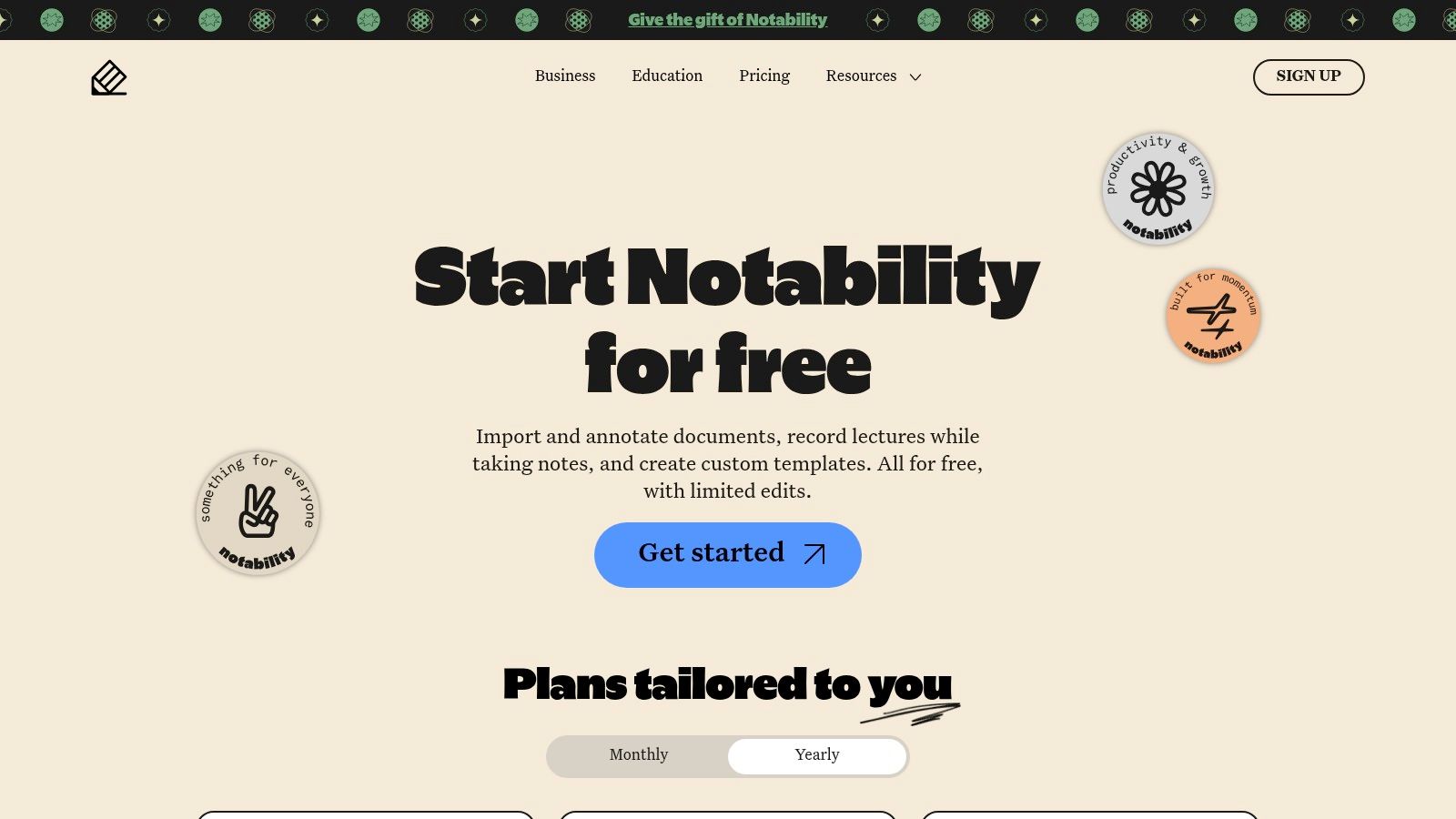
Notability est un carnet numérique qui fait le pont entre l’écriture manuscrite traditionnelle et la technologie moderne. Il est parfait pour les étudiants qui apprennent mieux en annotant des diapositives et en dessinant des schémas, vous permettant d’importer des PDF de cours et d’écrire directement dessus. Sa fonctionnalité phare est la synchronisation notes-audio ; lorsque vous tapez ou écrivez à la main, Notability enregistre l’audio du cours et le relie à vos annotations. Toucher une note précise la rejoue avec l’audio du moment où vous l’avez écrite, rendant les révisions très efficaces.
Bien que centré sur la prise de notes manuelle, Notability a intégré des outils IA pour améliorer l’apprentissage. Ces fonctionnalités peuvent générer automatiquement des résumés de vos notes ou créer des flashcards des termes clés. Cela en fait un preneur de notes complet, combinant la sensation tactile de l’écriture manuscrite et la puissance analytique de l’IA. Il est particulièrement efficace pour les apprenants visuels qui ont besoin d’interagir avec des diapositives et des schémas.
Notes synchronisées audio : Enregistrez l’audio du cours synchronisé avec vos notes manuscrites ou tapées. Un atout majeur pour clarifier les points confus en préparation d’examen.
Annotation PDF : Importez des diapositives, documents ou feuilles de devoirs en PDF et annotez-les directement dans l’application.
Outils IA : Les niveaux supérieurs débloquent résumés générés par IA et création de flashcards. La transcription en direct est aussi disponible.
Synchronisation multi-appareils : Avec la synchronisation cloud, vos notes et annotations sont accessibles sur iPad, Mac et iPhone, créant un écosystème d’étude fluide.
Notability propose un niveau Starter gratuit aux fonctions et édition limitées, idéal pour tester les bases. Le plan Plus payant déverrouille l’édition illimitée et toutes les fonctionnalités IA, à un tarif abordable pour les étudiants. Même si l’expérience est optimisée sur appareils Apple, une version web permet la consultation. La force de la plateforme réside dans la combinaison annotation/audio, un concept exploré sous diverses formes dans les méthodes de prise de notes d’étude.
Sa principale limite est son orientation Apple ; l’expérience sur d’autres plateformes est moins riche en fonctionnalités. C’est un choix idéal pour les étudiants déjà investis dans l’écosystème Apple et qui veulent une seule application pour prendre des notes et enregistrer l’audio.
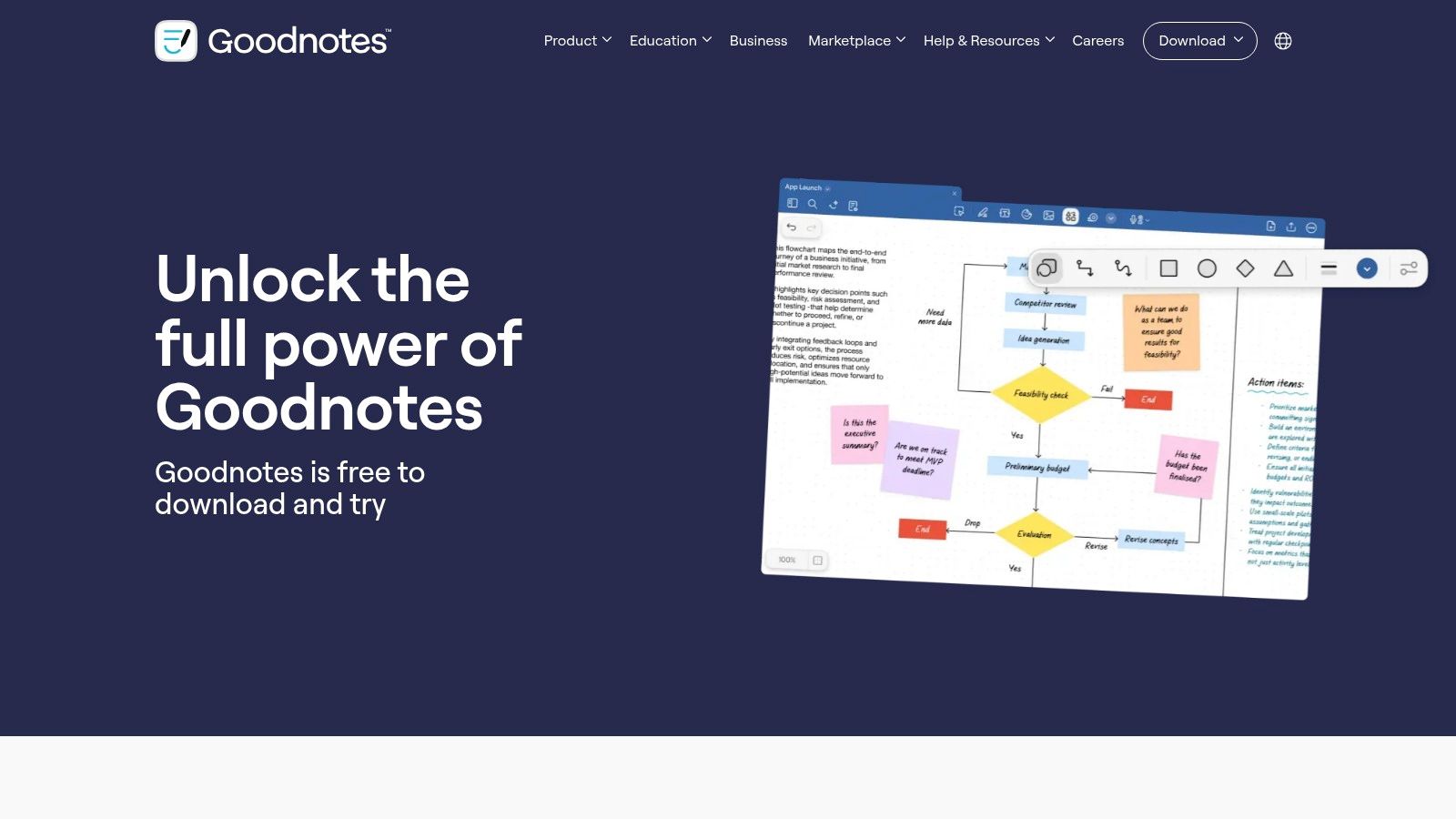
Goodnotes transforme votre appareil en un carnet numérique intelligent, parfait comme preneur de notes pour ceux qui préfèrent la sensation de l’écriture manuscrite. Il permet aux étudiants d’écrire, dessiner des diagrammes et annoter des PDF directement sur une tablette, comme sur du papier, avec en plus la puissance de l’organisation numérique. Sa force réside dans la combinaison de l’expérience tactile de l’écriture avec des fonctionnalités comme le texte consultable et la synchronisation cloud sur Apple, Windows et Android.
La plateforme est conçue pour des workflows d’études approfondis. Vous pouvez organiser vos notes en carnets distincts par cours et importer des diapositives de cours à annoter. Sa fonction d’enregistrement audio synchronise vos notes manuscrites avec l’audio du cours, vous permettant de toucher une note pour entendre exactement ce que le professeur disait à ce moment-là. Cela rend la révision de concepts complexes très efficace.
Enregistrement et transcription audio : Enregistrez les cours pendant que vous écrivez, vos notes se synchronisent avec la lecture audio. Goodnotes propose aussi une transcription audio en texte.
Recherche dans l’écriture manuscrite : La technologie OCR de l’app rend vos notes manuscrites entièrement consultables. Retrouver des mots-clés dans tous vos carnets est un vrai plus pour réviser.
Fonctions IA : Avec un abonnement optionnel, vous bénéficiez de capacités IA telles que générer des résumés, créer des quiz pratiques et obtenir de l’aide sur les problèmes mathématiques.
Support multiplateforme : Commencez vos notes sur iPad, revoyez-les sur un PC Windows et ajoutez rapidement des éléments depuis un smartphone Android.
Goodnotes offre un accès limité pour tester les fonctionnalités de base via quelques carnets. L’expérience complète se débloque avec un achat unique ou un abonnement annuel, selon la plateforme. Les fonctions IA sont à souscrire séparément. Des réductions pour établissements éducatifs sont souvent disponibles.
Bien que Goodnotes soit un preneur de notes haut de gamme pour l’écriture manuscrite, il est centré sur ce que vous écrivez et entendez. Pour les apprenants dont les cours reposent beaucoup sur des démonstrations visuelles vidéo, cette approche peut manquer le contexte visuel crucial. Pour explorer d’autres méthodes privilégiant la prise de notes visuelle, vous pouvez en apprendre davantage sur les conseils d’efficacité pour la prise de notes.
Pour les étudiants qui trouvent que le geste d’écrire à la main renforce la mémoire, Livescribe propose un pont entre notes papier traditionnelles et archives numériques consultables. Ce système de prise de notes repose sur des stylos intelligents qui capturent tout ce que vous écrivez sur un papier micropointé spécial. Si vous activez l’enregistrement audio pendant un cours, chaque trait est synchronisé avec la timeline audio. En touchant un mot écrit plus tard, vous réécoutez l’audio exact du moment de l’écriture, ce qui est efficace pour clarifier des points confus.
L’approche de Livescribe est unique car elle ne vous force pas à choisir entre digital et analogique. Vous bénéficiez du toucher naturel du stylo et papier tout en créant simultanément une copie numérique, accessible sur cloud et consultable. Le système digitalise votre écriture et peut la convertir en texte, rendant vos notes manuscrites aussi faciles à rechercher qu’un document tapé. C’est idéal pour les étudiants qui dessinent des schémas ou formules difficiles à saisir au clavier.
Numérisation stylo-papier : Écrivez naturellement dans un carnet. Vos notes sont automatiquement capturées et envoyées à l’application Livescribe+.
Lecture audio par tapotement : Enregistrez l’audio du cours avec le stylo intelligent. Plus tard, touchez une partie de vos notes écrites pour entendre ce que le professeur disait à ce moment précis.
Transcription manuscrite : L’application peut convertir vos notes à la main en texte numérique modifiable, que vous pouvez ensuite rechercher, copier et exporter.
Accès et recherche cloud : Vos notes sont synchronisées et accessibles sur plusieurs appareils. Vous pouvez rechercher des mots-clés dans l’ensemble de votre bibliothèque manuscrite.
Livescribe est un système matériel, donc l’achat initial inclut un stylo intelligent compatible et le papier à micro-points propriétaire. Les coûts récurrents peuvent inclure des carnets et recharges d’encre. Consultez la boutique officielle Livescribe pour connaître les modèles, packs, compatibilités et disponibilités régionales actuels avant d’acheter.
Ce système excelle à capturer des notes manuscrites synchronisées à l’audio, mais dépend de son matériel propriétaire. Il ne peut pas capturer directement du contenu visuel d’une vidéo enregistrée, comme des schémas ou du code à l’écran.
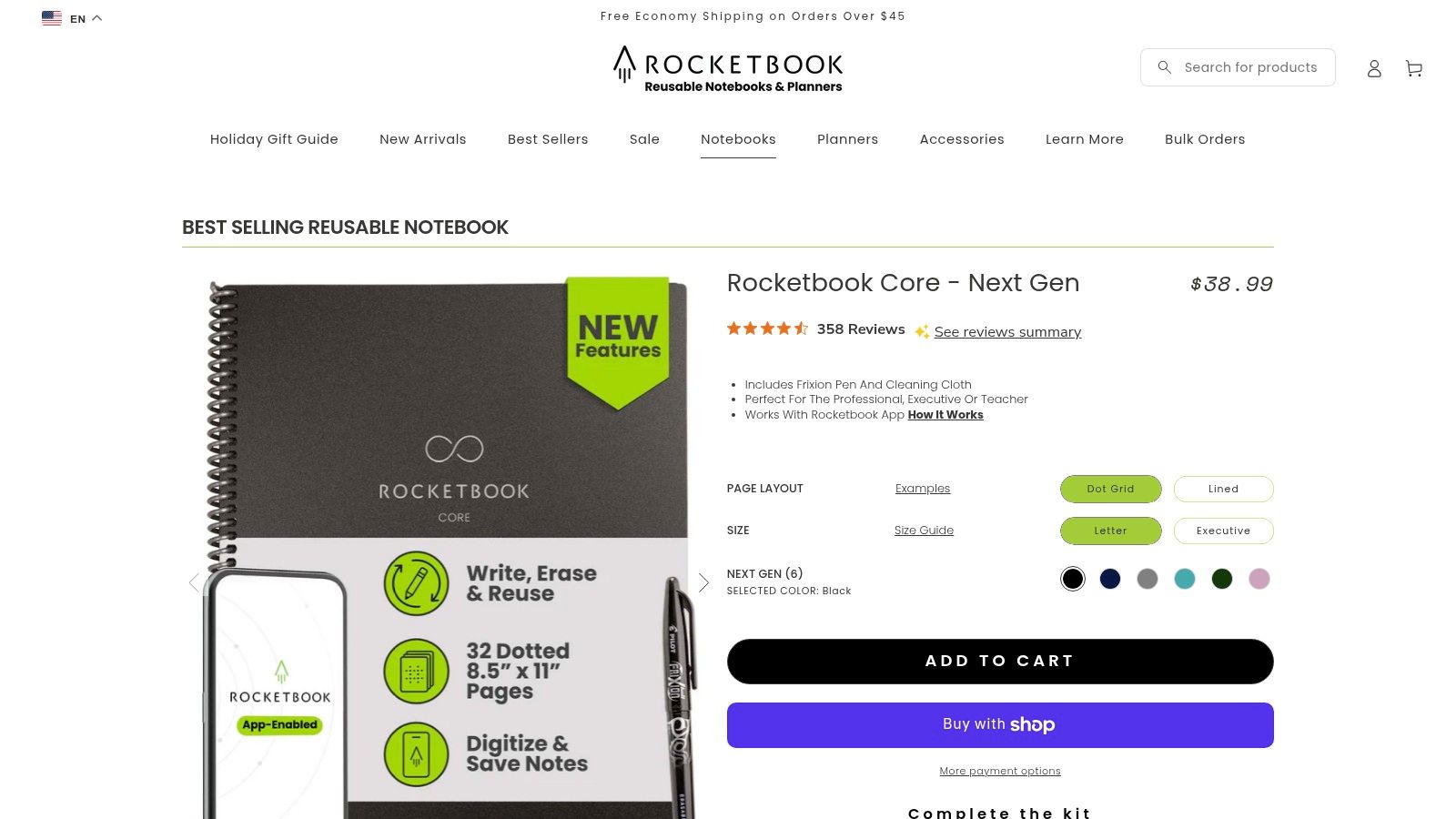
Pour les étudiants qui trouvent que l’écriture manuscrite est essentielle pour retenir, mais qui veulent une organisation numérique, Rocketbook propose une solution hybride unique. C’est un carnet intelligent réutilisable qui combine l’expérience du stylo et du papier avec le stockage cloud. Vous écrivez vos notes lors du cours avec un stylo spécial Pilot FriXion, puis utilisez l’application gratuite Rocketbook pour scanner et numériser vos pages. C’est un preneur de notes idéal pour ceux qui se sentent déconnectés en tapant sur un ordinateur.
L’attrait principal de Rocketbook est sa simplicité et sa durabilité. Une fois les notes scannées, vous essuyez la page avec un chiffon humide et elle est prête pour le cours suivant. L’application envoie automatiquement vos scans haute résolution vers des destinations configurées à l’avance comme Google Drive, OneNote ou votre email. Ce flux de travail vous permet de construire une archive numérique consultable de vos notes manuscrites sans le gaspillage ni l’encombrement des carnets papier classiques.
Scanner et numériser : Utilisez l’app Rocketbook pour capturer vos notes manuscrites. L’application recadre et améliore automatiquement la lisibilité des pages.
Intégration cloud : Configurez des raccourcis pour envoyer vos notes directement dans des dossiers spécifiques sur Google Drive, Dropbox, Evernote, OneNote, et plus.
Pages réutilisables : Le papier synthétique fonctionne avec les stylos Pilot FriXion, effaçables à l’eau, vous permettant de réutiliser le carnet en boucle.
Pas de batteries : En tant que dispositif non électronique, il est léger, robuste et ne nécessite jamais de charge, un compagnon fiable pour les cours à la suite.
Rocketbook vend des carnets réutilisables en achat unique et fournit une application compagnon pour scanner. Les modèles, bundles et prix varient, comparez le stylo, le chiffon, la disposition des pages et les destinations cloud dans la boutique officielle Rocketbook avant d’acheter.
Bien que Rocketbook soit excellent pour archiver les notes manuscrites, convertir ces scans en texte consultable nécessite d’utiliser les fonctions OCR disponibles dans l’application ou votre service cloud choisi. Si vous souhaitez organiser ces notes numérisées avec des captures d’écran de cours vidéo, vous pouvez les utiliser comme partie d’un workflow complet de création de guide d’étude.
Bien qu’Amazon ne soit pas un preneur de notes à proprement parler, c’est la plus grande marketplace en ligne pour acquérir le matériel physique qui alimente vos workflows de prise de notes. Pour les étudiants qui préfèrent une expérience tactile ou ont besoin d’outils spécialisés, c’est une ressource incontournable pour comparer stylos intelligents, enregistreurs IA, carnets réutilisables et tablettes. Vous y trouvez le matériel parfait pour compléter vos logiciels, que vous capturiez des notes manuscrites synchronisées au cloud ou enregistriez des cours en présentiel.
La force principale d’Amazon est son immense sélection et ses prix compétitifs. Vous pouvez parcourir des appareils comme Rocketbook pour le papier réutilisable, le stylo intelligent Livescribe pour numériser l’écriture ou des enregistreurs IA spécialisés pour la capture audio hors ligne. Les avis utilisateurs nombreux sont précieux pour juger de la performance et fiabilité réelles.
Large choix de matériels : Trouvez tout, des tablettes et stylets pour la prise de notes visuelle aux enregistreurs IA dédiés, fonctionnant comme preneurs de notes matériels.
Avis clients et comparaisons : Profitez de milliers d’avis pour comparer modèles et marques.
Livraisons rapides et promotions : Les membres Prime bénéficient d’une livraison rapide. Cherchez les bundles et promotions du Prime Day ou de la rentrée.
Écosystème d’accessoires : Outre les appareils principaux, trouvez des accessoires essentiels comme housses, embouts de stylo de rechange et stations de charge.
Les prix et disponibilités sur le marketplace évoluent sans cesse. Lors de l’achat de matériel, comparez le prix constructeur avec celui du vendeur, vérifiez la réputation du vendeur et assurez-vous que le modèle est neuf et sous garantie valide. Un abonnement retail séparé ne doit pas déterminer quel système de prise de notes convient à votre méthode d’apprentissage.
Cette plateforme est le point de départ incontournable pour construire un kit de prise de notes physique. C’est là que vous vous procurez le matériel qui fonctionne avec les logiciels conçus pour apprendre, créant un système complet pour capturer chaque détail de vos cours.
Capture numérique de notes papier avec lecture audio synchronisée
Utilisateurs préférant le papier réel avec sauvegardes numériques et liaison audio
Expérience naturelle stylo-papier, lecture audio via tapotement, archive papier conservée
Rocketbook (boutique officielle)
Très faible ; achat carnet réutilisable et usage app scanner
Carnet réutilisable Rocketbook, stylo Pilot FriXion, smartphone pour scanner
Pages manuscrites scannées et cloud synchronisées ; pages effaçables réutilisables
Flux manuscrits écologiques, étudiants voulant scans numériques à faible coût
Faible coût d’usage, pas de batteries ni appairage, intégration cloud
Amazon (États-Unis)
Très faible ; navigation et achat en ligne
Compte, moyen de paiement, livraison ; vérification vendeurs/modèles
Accès large à matériel et accessoires prise de notes
Achat stylos intelligents, tablettes, enregistreurs ou accessoires ; comparaison prix/fonctions
Plus grand choix, livraison rapide (Prime), avis abondants, promotions fréquentes
#Choisir son système : du visionnage passif à l’apprentissage actif
Nous avons exploré une gamme d’outils, des extensions IA comme HoverNotes aux applis d’écriture manuscrite numérique comme Notability. Le thème central est clair : le bon preneur de notes est celui qui s’adapte à vos habitudes d’étude et transforme la consommation passive de vidéos en un processus actif de construction du savoir. Regarder simplement des heures de cours enregistrés sur portails universitaires, Zoom ou YouTube mène à une faible rétention. Le véritable apprentissage se produit lorsque vous vous impliquez.
L’objectif n’est pas seulement de trouver une nouvelle application ; c’est de construire un système durable pour créer des bases de connaissances consultables et permanentes prêtes à la révision. Cela signifie dépasser les captures d’écran éparpillées et les fichiers textes isolés pour une bibliothèque connectée où chaque note renvoie à son contexte original dans la vidéo.
#Trouver ce qui vous convient : questions clés à se poser
Avant de vous engager dans un outil, considérez vos besoins spécifiques. Votre choix de preneur de notes doit être réfléchi.
Où regardez-vous vos cours ? Si vos cours sont sur plusieurs plateformes comme les portails universitaires, Coursera et fichiers vidéos locaux, vous avez besoin d’un outil polyvalent comme HoverNotes qui fonctionne partout où il y a de la vidéo.
Quelle est votre matière ? Pour des matières très visuelles comme la médecine, l’ingénierie ou la programmation, un outil qui transcrit uniquement l’audio est insuffisant. Il vous faut quelque chose qui capture les schémas et démonstrations à l’écran avec captures horodatées.
Quel est votre outil d’étude principal ? Si vous utilisez Obsidian ou un autre outil local-first, un système qui sauvegarde les notes en fichiers Markdown simples est essentiel. Cela garantit que vous possédez vos données à vie, sans format propriétaire.
Préférez-vous taper ou écrire ? Si le retour tactile du stylo vous aide à réfléchir, les applis d’écriture digitale comme Goodnotes ou les stylos intelligents comme Livescribe sont d’excellents choix. Si vous privilégiez la rapidité et la recherche, la frappe clavier est plus efficace.
Au final, le preneur de notes idéal est celui que vous utilisez régulièrement. Il doit réduire les frictions, pas en ajouter. Que vous optiez pour un assistant IA qui fait le gros du travail ou un carnet intelligent qui relie le physique et le numérique, l’objectif est le même : bâtir une base de connaissances personnelle qui vous serve longtemps après le dernier examen.
Si votre méthode d’apprentissage repose sur la vidéo et que vous voulez posséder vos notes dans un format ouvert, HoverNotes est fait pour vous. Il agit comme votre preneur de notes IA personnel, sauvegardant captures d’écran horodatées et notes structurées au format Markdown directement sur votre ordinateur — parfait pour les utilisateurs Obsidian. Vous pouvez essayer HoverNotes gratuitement et voir comment il transforme vos cours vidéo en une partie permanente et consultable de votre base de savoir.
Des notes utiles doivent vous amener à faire quelque chose avec le contenu, et pas seulement à stocker davantage de texte. L’U.S. Institute of Education Sciences recommande d’espacer l’apprentissage dans le temps, d’associer des éléments graphiques à des explications verbales, de pratiquer la récupération active et de poser des questions explicatives approfondies (guide pratique). Une revue à comité de lecture consacrée à la recherche sur les vidéos pédagogiques souligne également l’importance de signaler les informations importantes, de découper les leçons en segments gérables, de donner aux apprenants le contrôle du rythme et d’ajouter des incitations à l’apprentissage actif (revue). Appliqué ici, cela signifie faire une pause aux limites des concepts, ne capturer que les éléments visuels dont vous avez besoin, formuler une question avec vos propres mots, puis y répondre plus tard avant de relancer la source. Ces pratiques reposent sur des données probantes ; un pourcentage de rétention universel pour une application ou un flux de travail donné, non.
Arrêtez d'oublier ce que vous regardez dans les cours en ligne. Apprenez une méthode pratique pour prendre des notes vidéo qui améliorent la rétention et s'intègrent à votre base de connaissances.
Prenez des notes de maître lors des cours vidéo grâce à un système pratique pour saisir rapidement les idées clés sur Canvas, Blackboard ou tout autre portail universitaire.
Découvrez la meilleure application de prise de notes vidéo adaptée à votre flux de travail. Nous comparons les meilleurs outils pour étudiants et professionnels utilisant Obsidian, Notion, et les cours en ligne.