Local-first video notes: Why Your Knowledge Belongs on Your Machine | HoverNotes Blog | HoverNotes
General2026年1月8日
Local-first video notes: Why Your Knowledge Belongs on Your Machine
Discover local-first notes and how they give you privacy and control over your data with practical tips to own your knowledge.
著者 HoverNotes Team•13 分で読める
Your study notes are personal. They're a record of your learning, your thoughts, and your "aha!" moments. They should belong to you, stored on your computer, not on some company's server where they can be scanned, monetized, or lost if the service shuts down.
This is the core idea behind local-first notes. Your knowledge is saved as simple, plain files directly on your computer. You own it completely.
A local-first approach means your notes—every diagram from a lecture, every code snippet from a tutorial, and every screenshot from a course video—are treated just like any other document on your hard drive. They're just files.
This gives you permanent ownership, privacy, and the freedom to use whatever tool you want. You don't have to worry about a service shutting down, changing its pricing, or altering its privacy policy. Your knowledge is yours, forever.
This isn't a niche idea. As more learning moves online, students and self-learners are realizing the importance of owning their data. The note-taking app market is projected to hit USD 49.47 billion by 2035, a surge fueled by the shift to online education. But most learning platforms like Coursera or Udemy trap your notes in a clunky, cloud-based textbox you can't control. You can see the market growth stats yourself over at Market Research Future.
The local-first philosophy is built on three practical ideas that put learners back in control.
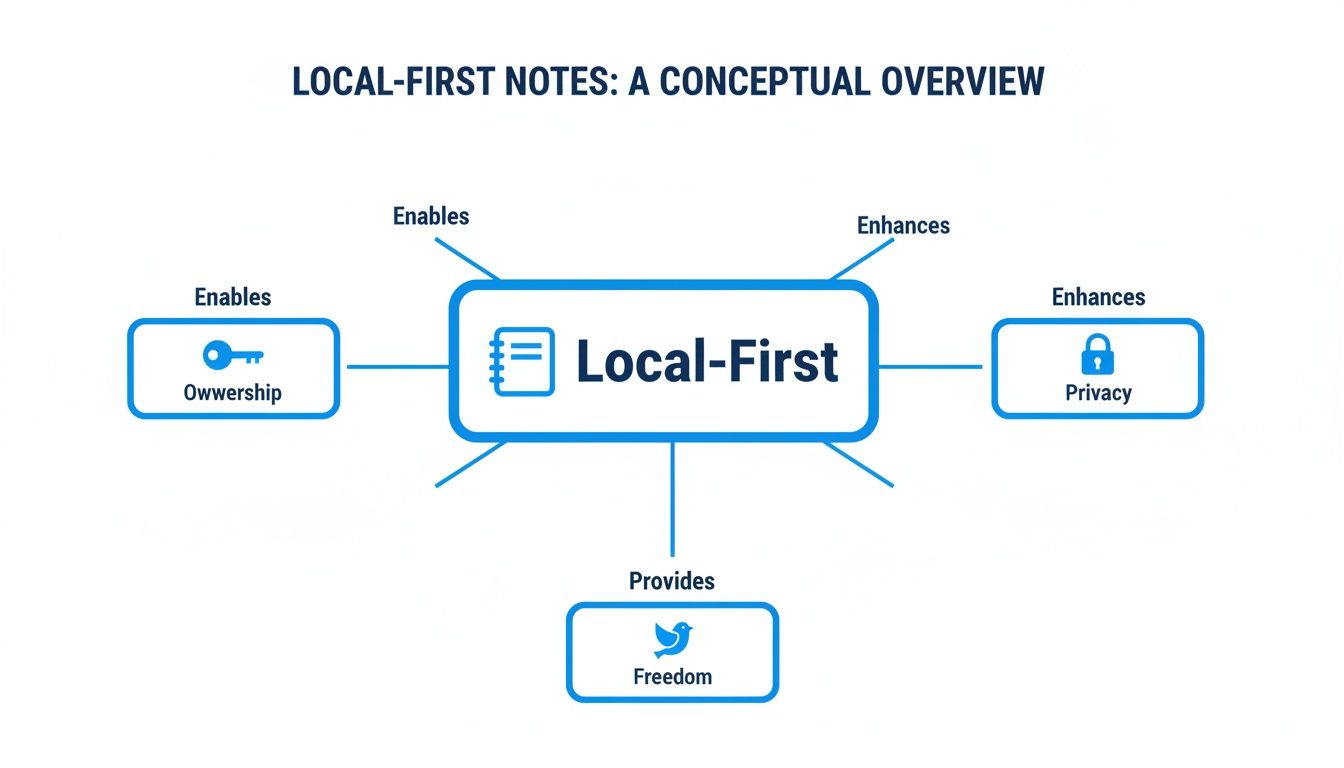
Complete Ownership: Your notes are plain files (usually Markdown, .md). You can move them, back them up with Dropbox or Google Drive, and open them in any text editor. They belong to you.
Enhanced Privacy: Since the files live on your machine, no third party is scanning your study habits. Your thoughts remain private.
Freedom from Lock-in: You are not locked into a single app. If a better tool comes along, you can switch without a complicated export process. Your notes just move with you.
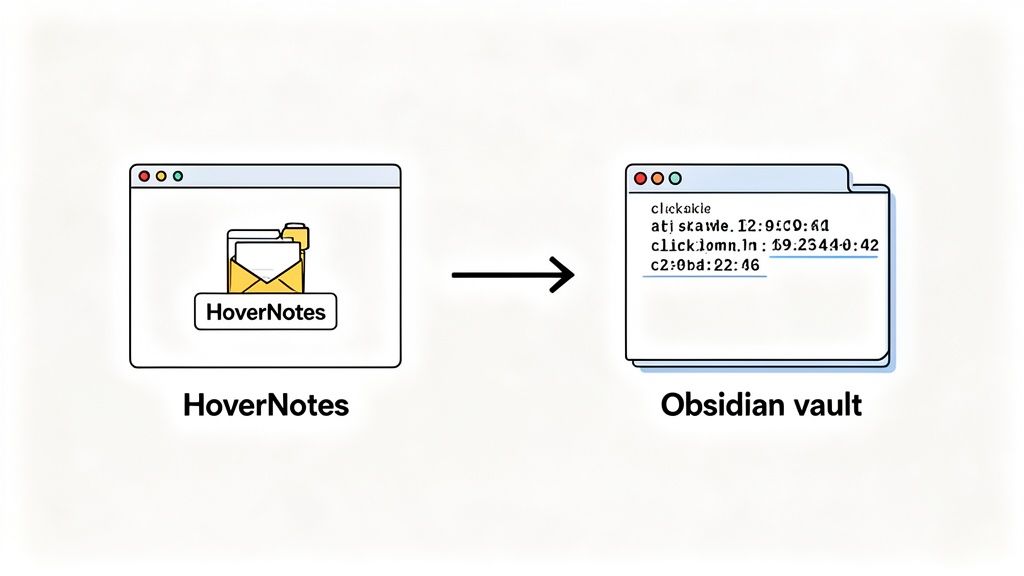
This diagram shows how local-first thinking puts you in control of your knowledge.
The central idea is empowerment. It frees your knowledge from corporate servers and gives you total ownership and privacy. It's no surprise that many of the best note-taking apps for students now embrace this model, because they recognize that modern learners demand control. This approach is fundamental for anyone serious about building a personal knowledge base that lasts a lifetime.
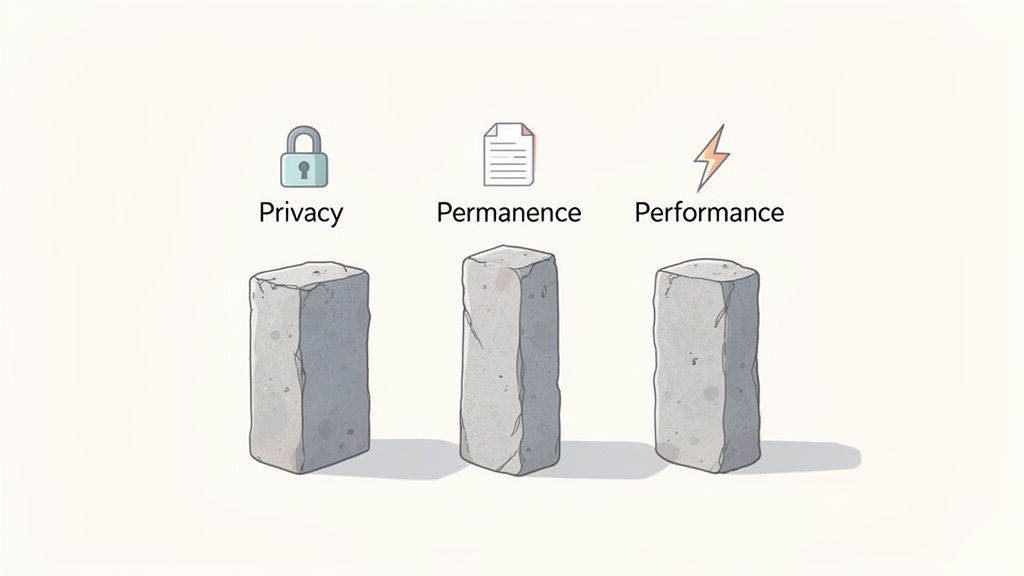
A local-first approach comes down to three practical advantages: Privacy, Permanence, and Performance. Understanding these shows why owning your data is a practical advantage, not just a philosophical one.
With a local-first system, your notes live on your machine by default. Your learning history, private thoughts, and half-formed ideas stay completely private, safe from third-party data mining or targeted ads.
With local-first notes, no algorithm analyzes your study habits to sell you something. Your knowledge base is for your eyes only, unless you explicitly choose to share it.
This level of control is essential when building a system of personal knowledge management software. You should be free to explore any idea without wondering who might be watching.
The second pillar, permanence, protects you from "vendor lock-in." When a cloud service gets acquired, changes its subscription model, or shuts down, your knowledge can disappear with it.
Local Markdown files are practically immortal.
They are plain text: A computer from 40 years ago could read them, and one from 40 years in the future probably can too.
They are portable: Moving your notes to a new app is as simple as copying a folder.
You own them: They're just files. Back them up, search them with your computer's built-in tools, and manage them however you want.
Your notes become a lasting digital asset, independent of any single company. The long-running cloud versus local storage debate offers more context on this.
Finally, local-first is faster and more reliable. Accessing, searching, and editing notes on your own hard drive is nearly instantaneous. There’s no lag waiting for a server, no stuttering from a slow internet connection, and no getting locked out of your notes on a plane or in a cafe with bad Wi-Fi.
This creates a smooth learning experience. When an idea strikes or you need to recall a concept, your notes are there immediately. That reliability keeps you focused on learning, not fighting your tools.
We’ve all been there: trying to learn from a video becomes a cycle of pausing, typing notes, taking a screenshot, losing the screenshot, rewinding, and repeating. It’s a disjointed process that scatters your knowledge.
This is where a local-first approach offers a practical solution for serious learners. The goal is to connect watching a video with creating permanent, useful knowledge. Instead of your notes being held by a proprietary cloud service, a local-first workflow saves them directly to your computer as simple, future-proof files.
A local-first approach transforms video learning from a passive activity into an active one. Tools built on this principle act as a bridge between the content on your screen and your personal knowledge base.
Here’s how it works:
Direct File Saving: Notes are saved as plain Markdown (.md) files, the universal standard for text. They never get trapped in a proprietary format.
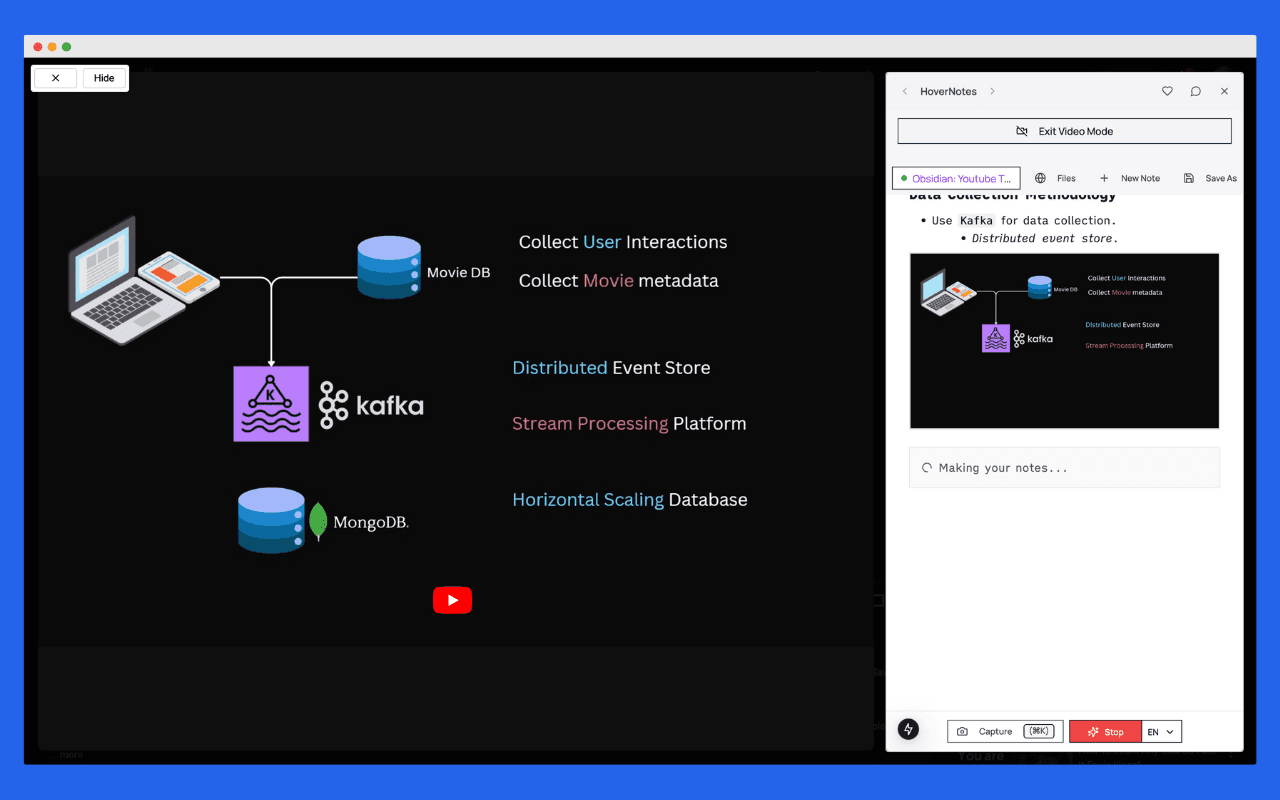
Visual Context: It’s not just about what’s said, but what’s shown. Tools that watch the video, not just parse transcripts, can capture diagrams, code, and on-screen text and embed them directly in your notes.
Permanent Ownership: Because the files live on your machine, you own them completely. You can back them up, move them, or open them in any text editor, now or ten years from now.
This setup allows you to see how knowledge connects, turning isolated notes from different video courses into an interconnected web of ideas you control.
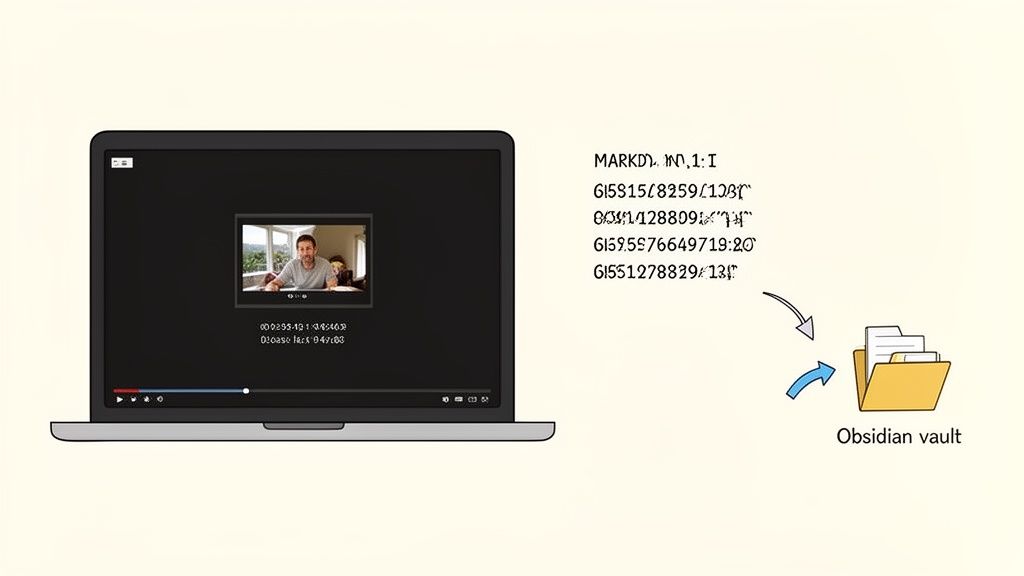
The process is simple. A tool like HoverNotes, a Chrome extension that watches videos with you, generates AI notes, and saves them as Markdown directly to your file system, saves its output directly to a local folder you choose. If you use Obsidian, you can point it straight at your vault.
The notes land on your hard drive, complete with timestamped screenshots. One click on any image jumps you straight back to that exact moment in the video, solving the endless frustration of scrubbing through timelines.
This workflow provides the power of AI assistance for your video notes without forcing you to give up ownership. You own the files. You control the process. That's the local-first promise. Learning different methods for downloading YouTube transcripts can also supplement this workflow.
#A Practical Workflow with Obsidian and Local-First Notes
Let's walk through how to build a private learning system by connecting an AI video note-taker directly to your personal knowledge base. The setup takes less than five minutes.
The result is a permanent, searchable library of your video learnings that you completely own and control. Because the notes are plain Markdown, they're future-proof. You'll be able to access them forever, with or without any specific app.
First, your notes need a place to live. A local-first app like Obsidian is ideal. It’s an editor for a simple folder of text files on your computer.
Install Obsidian: Download the free application from the official website.
Create a Vault: When you open Obsidian, create a "vault." This is just a regular folder on your computer that will hold your notes. You might call it "University Courses" or "Coding Projects."
Install HoverNotes: Add the HoverNotes Chrome extension to your browser. This tool watches videos, generates AI notes, and saves them as Markdown.
Your foundation is now set. You have a secure, private home for your knowledge.
Now, go to any video you need to learn from—a lecture on YouTube, a tutorial on Udemy, a course on Coursera, or even a local video file.
As the video plays, HoverNotes can capture information. You can let its AI generate a summary and outline, or you can type your own thoughts and grab screenshots.
The key is telling HoverNotes where to save everything. The first time you save a note, point it to the Obsidian vault folder you created. HoverNotes will remember that location.
Your notes will instantly appear in your Obsidian sidebar as new .md files, complete with clickable, timestamped screenshots. Every screenshot includes a link that jumps you back to that exact moment in the video.
This direct-to-vault workflow is a significant time-saver for anyone who values efficiency and data ownership. For a more detailed walkthrough, see the guide on the HoverNotes and Obsidian integration. This process ensures every piece of knowledge you extract from a video is captured, organized, and stored safely in a system that belongs to you.
A common question about local-first notes is: "What happens if my laptop dies?" The answer highlights the power of this approach: local-first does not mean local-only.
It means you are in control. Since all your notes are just files in a folder, keeping them safe is simple and flexible. You aren't locked into a single company's backup solution; you choose what works for you.
You can use the same backup strategies you already use for photos or documents.
Here are a few effective ways to do it:
Cloud Storage Services: The easiest method is to point a service like Google Drive, Dropbox, or OneDrive at your notes folder. It will sync automatically in the background.
Direct Device-to-Device Sync: For a more private option, tools like Syncthing let you sync your notes folder directly between your own devices over a secure connection. No third-party server ever sees your data.
External Hard Drives: A reliable classic. Regularly copy your notes folder to an external hard drive for a physical, offline backup that’s immune to online threats.
The crucial difference here is choice. You decide where your data lives. You avoid proprietary cloud formats and vendor lock-in, making sure your knowledge is always yours.
The beauty of this system is its transparency. Your notes are important assets. When you use a tool like HoverNotes to save insights from a lecture, the files land directly on your machine. From there, your chosen backup system takes over.
This provides multiple layers of redundancy. Your notes exist on your primary computer, are synced to a cloud service, and are also on an external drive. You own the files. You own the backups. Your knowledge is secure because you designed the system that protects it.
If you're building a rich offline library, you might also want to learn how to download YouTube video and subtitles to make your resources completely self-contained.
As more of our learning happens online, the question of ownership becomes critical. For a long time, it felt like a choice between smart AI tools and data privacy. That’s changing. We’re seeing a clear shift away from locking valuable learning into someone else’s cloud.
The note-taking market, on track to hit USD 23.79 billion by 2029, reflects this change. Users are more aware of privacy and the risks of vendor lock-in. This is where local-first tools are gaining ground. You can learn more about these market trends to understand what this means for learners.
The growth in this market is driven by tools built around privacy and offline access. It’s no accident that local-first, Markdown-based systems like Obsidian have built massive communities—they provide the data ownership people have been asking for.
These local-first tools prove you don't have to sacrifice powerful features for security. For anyone serious about learning, that combination of power and privacy is essential for building a knowledge base that is truly yours and built to last.
If you’re an Obsidian user who learns from videos, having your notes save straight into your vault is a massive win. The timestamp screenshot feature alone saves hours of rewatching.
It depends on your needs, but Obsidian is popular for a reason. It acts as a powerful editor for a local folder of Markdown files, making it fast, flexible, and supported by a large community of plugin developers.
The best part of the local-first approach is that you're never locked in. Since your notes are just .md files, they work with other tools like Logseq or a code editor like VS Code. You can switch between them without a complicated migration.
#Are My Notes Really Private With A Local-First System?
Yes. By default, your notes live on your computer's hard drive as text files. No third-party company has access to them unless you choose to grant it. This shields your learning history from data mining or advertising.
The only time your notes leave your device is if you set up a sync or backup solution, like Google Drive or a private service like Syncthing. Even then, you remain in control. You decide where your data goes.
#What If I Need To Access My Notes On Multiple Devices?
"Local-first" does not mean "local-only." Because your notes are a folder of files, you can use any standard file-syncing service to access them on your phone, tablet, or work computer.
Popular options include:
Cloud Storage: Pointing Dropbox, Google Drive, or iCloud Drive at your notes folder is the simplest method.
Obsidian Sync: Obsidian offers a paid, end-to-end encrypted sync service built for this purpose.
Syncthing: A free, open-source tool for syncing files directly between your devices without a central server.
This gives you the privacy and ownership of local files with the convenience of multi-device access.
If you use Obsidian for learning, HoverNotes saves notes with clickable screenshots directly to your vault. Your video learning becomes instantly searchable and permanent. You can try it free—20 minutes of AI credits, no credit card required.
Stop forgetting what you watch in online courses. Learn a practical workflow for taking video notes that boost retention and integrate with your knowledge base.
Learn how to build a second brain for video content using proven frameworks like PARA. Capture, organize, and connect ideas from YouTube, Udemy, and Coursera.
Explore Otter AI plans to see if they fit your goals. Learn why video learning requires a different approach and compare top alternatives built for students.