5 Ways to Organize Programming Tutorial Notes Effectively | HoverNotes Blog | HoverNotes
LearningFebruary 7, 2025
5 Ways to Organize Programming Tutorial Notes Effectively
Organize your programming tutorial notes with effective strategies like tagging, wikis, and visuals to enhance learning and retention.
By HoverNotes Team•10 min read
#Stop Losing Your Programming Knowledge: 5 Ways to Organize Tutorial Notes That Actually Work
Your programming tutorial notes are a mess. Scattered across random text files, buried in browser bookmarks, trapped in videos you'll never find again. You've learned the same React concepts three times because you can't locate where you documented them the first time.
The hidden cost? Developers waste 2-3 hours weekly just trying to relocate information they've already learned. That's 80+ hours annually spent on redundant learning instead of building projects.
The problem isn't just organization—it's that traditional note-taking wasn't designed for how developers actually learn. Programming tutorials require timestamped references, code needs visual context, and concepts must connect to your broader knowledge.
Here's how to build a system that actually works:
#1. HoverNotes: The Only Tool Built for Developer Learning
Learning programming through video tutorials shouldn't require constant pausing, rewinding, and manual typing. HoverNotes revolutionizes how developers capture knowledge by understanding what makes programming tutorials unique.
#Why Traditional Note-Taking Fails for Programming
Most note-taking tools treat programming tutorials like lectures—they're not. Programming videos contain:
Visual demonstrations that can't be captured in text
Unlike other tools requiring manual exports, HoverNotes saves directly to your Obsidian vault in markdown format. Your video notes become part of your programming knowledge base automatically.
The result: Video learning becomes part of your programming reference system, not another forgotten file.
💡 Pro Tip: HoverNotes works with YouTube, Udemy, Coursera, and any website with video content. Install once, organize everywhere.
Effective tagging for programming notes requires understanding how developers actually search for information. You don't just need to find notes—you need to find solutions to specific problems.
HoverNotes automatically suggests tags based on video content, recognizing programming languages, frameworks, and concepts. No more inconsistent manual tagging.
Pro tip: Use hierarchical tags like #javascript/react/hooks/useState to create a knowledge tree that mirrors how programming concepts actually connect.
Ship Code Faster with Smart Notes
Stop losing time re-learning concepts. Build a searchable library of code snippets, tutorials, and technical knowledge that grows with every video you watch.
Turn scattered tutorial notes into a searchable programming reference that grows with your experience. The key is creating a system that serves both learning and daily development work.
# Array Methods in JavaScript## Problem
Need to manipulate arrays efficiently without mutations.
## Solution
const numbers = [1, 2, 3, 4, 5];
const doubled = numbers.map(x => x * 2);
const filtered = numbers.filter(x => x > 3);
## When to Use- Data transformation in React components
- Processing API responses
- Building data pipelines
## Related Notes
[[JavaScript Functional Programming]] | [[React State Management]]
## Video References- [Array Methods Explained](video-link) - 12:34 timestamp
- [Performance Comparison](video-link) - 8:45 timestamp
With HoverNotes, your video tutorials automatically contribute to your wiki. Code examples are extracted, formatted, and linked to the exact video moment where they were demonstrated. No manual transcription required.
Turn Tutorials into Permanent Documentation
Stop rewatching the same coding tutorials. HoverNotes transforms any video into searchable, linkable documentation that lives in your knowledge vault forever.
Organizing by programming language makes sense, but most developers do it wrong. The goal isn't just separation—it's creating comparative learning systems that help you transfer knowledge between technologies.
Instead of isolated language silos, create cross-referenced knowledge patterns:
/Python/
├── /Core-Syntax/
├── /Web-Frameworks/ → Links to /JavaScript/Node-Frameworks/
├── /Data-Science/ → Unique to Python
└── /Common-Patterns/ → Links to similar patterns in other languages
When notes are properly cross-referenced, learning a new language becomes pattern recognition rather than starting from scratch. HoverNotes automatically identifies similar concepts across different programming tutorial videos.
The difference between scattered notes and a knowledge system is compound learning. Each new tutorial doesn't just add isolated information—it strengthens your entire programming understanding by connecting to existing knowledge.
Traditional note-taking treats each tutorial as a separate event. HoverNotes treats tutorials as knowledge building blocks that automatically integrate with your existing programming understanding.
Before HoverNotes
With HoverNotes
40+ tools for different aspects of learning
Single system for video-based programming learning
Most developers will continue struggling with scattered notes, lost code examples, and forgotten tutorials. But developers who adopt knowledge-first systems will compound their learning exponentially.
HoverNotes isn't just a note-taking tool—it's the foundation of a programming knowledge system that grows stronger with every tutorial you watch.
Ready to transform your programming learning? Start with HoverNotes and build the knowledge system that will accelerate your entire development career.
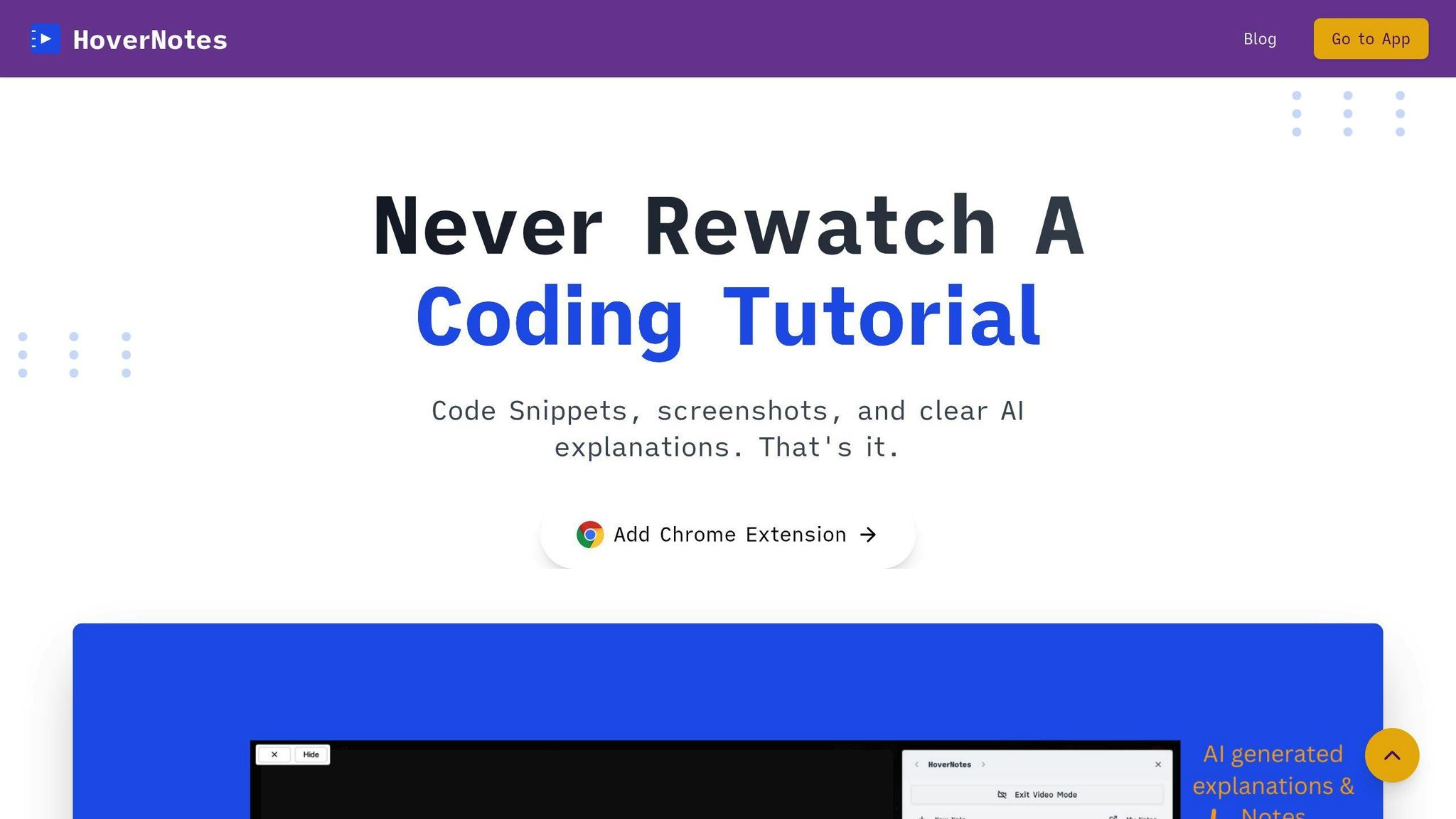
Never Rewatch a Coding Tutorial
Transform your coding tutorials into instant notes with reusable code snippets, visual references, and clear AI explanations. Start shipping faster with HoverNotes.
Transform your coding tutorials into instant notes with reusable code snippets, visual references, and clear AI explanations. Start shipping faster with HoverNotes.
Ready to transform your programming learning? Add HoverNotes to Chrome for Free and build the knowledge system that will accelerate your entire development career.
#What makes HoverNotes different from other note-taking apps?
HoverNotes is the only tool designed specifically for video-based programming education. While other apps require manual note-taking, HoverNotes understands programming content and automatically captures code, visuals, and concepts with proper formatting.
#How does HoverNotes integrate with my existing workflow?
HoverNotes saves directly to your Obsidian vault in markdown format, making your video notes part of your existing knowledge management system. No manual exports or format conversions needed.
#Can I use HoverNotes with any programming tutorial platform?
Yes. HoverNotes works with YouTube, Udemy, Coursera, Pluralsight, and any website with video content. It's designed to work wherever developers learn programming.
#How do I organize notes from multiple programming languages?
Use HoverNotes' automatic tagging suggestions to maintain consistency across languages. The tool recognizes programming languages and frameworks, creating standardized tags that make cross-language learning easier.
Manual note-taking for programming videos is inherently inefficient—you're spending time transcribing instead of learning. HoverNotes preserves your cognitive resources for understanding concepts rather than capturing them. You can always add personal insights to the automatically generated notes.
Explore the best ways to take notes from videos inside Obsidian in 2025—and discover why HoverNotes stands out with AI-powered features and seamless integration.
Why we're building an AI tutor that guarantees you actually learn, not just watch. A founder's journey from breaking toys to building learning tools that actually work.